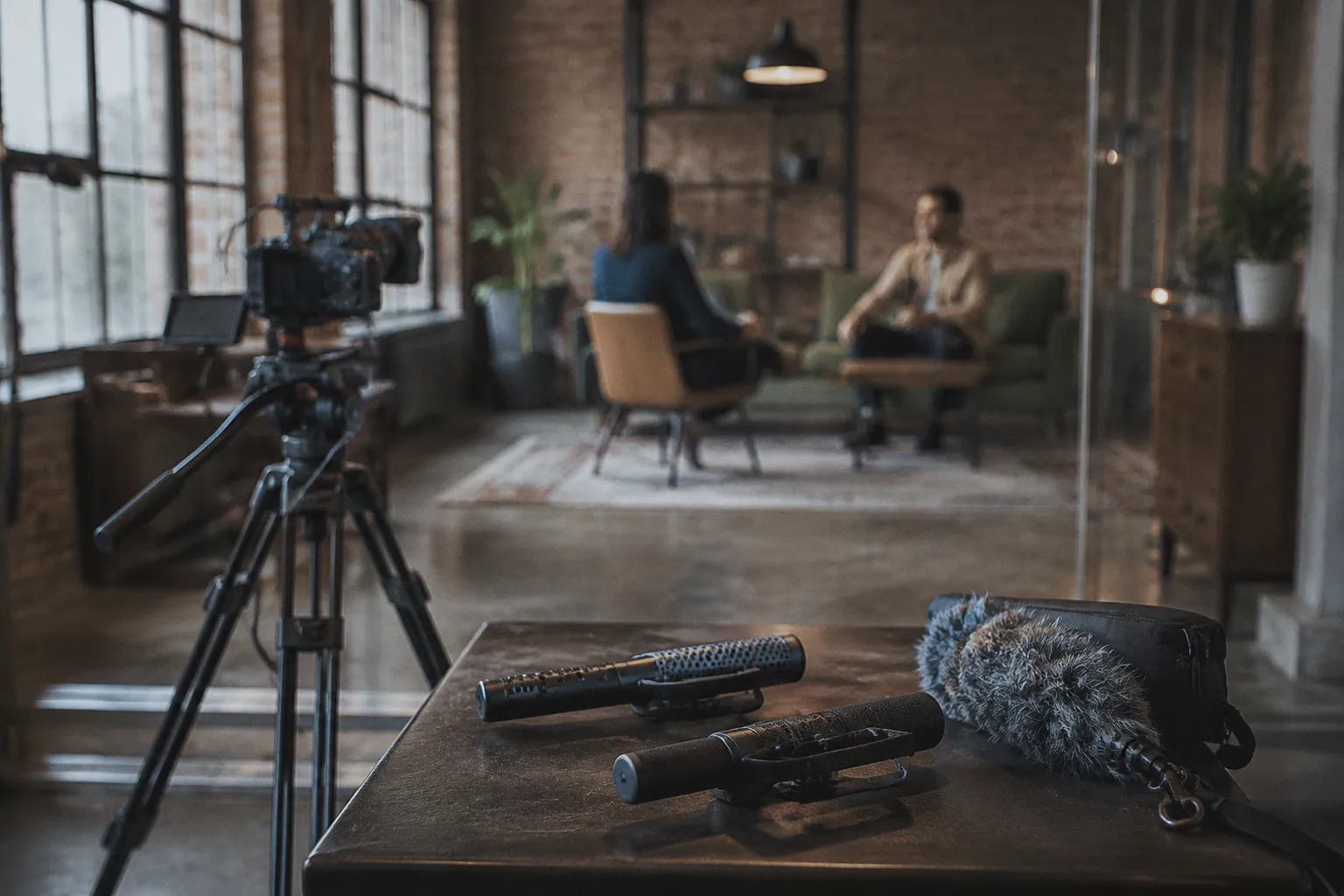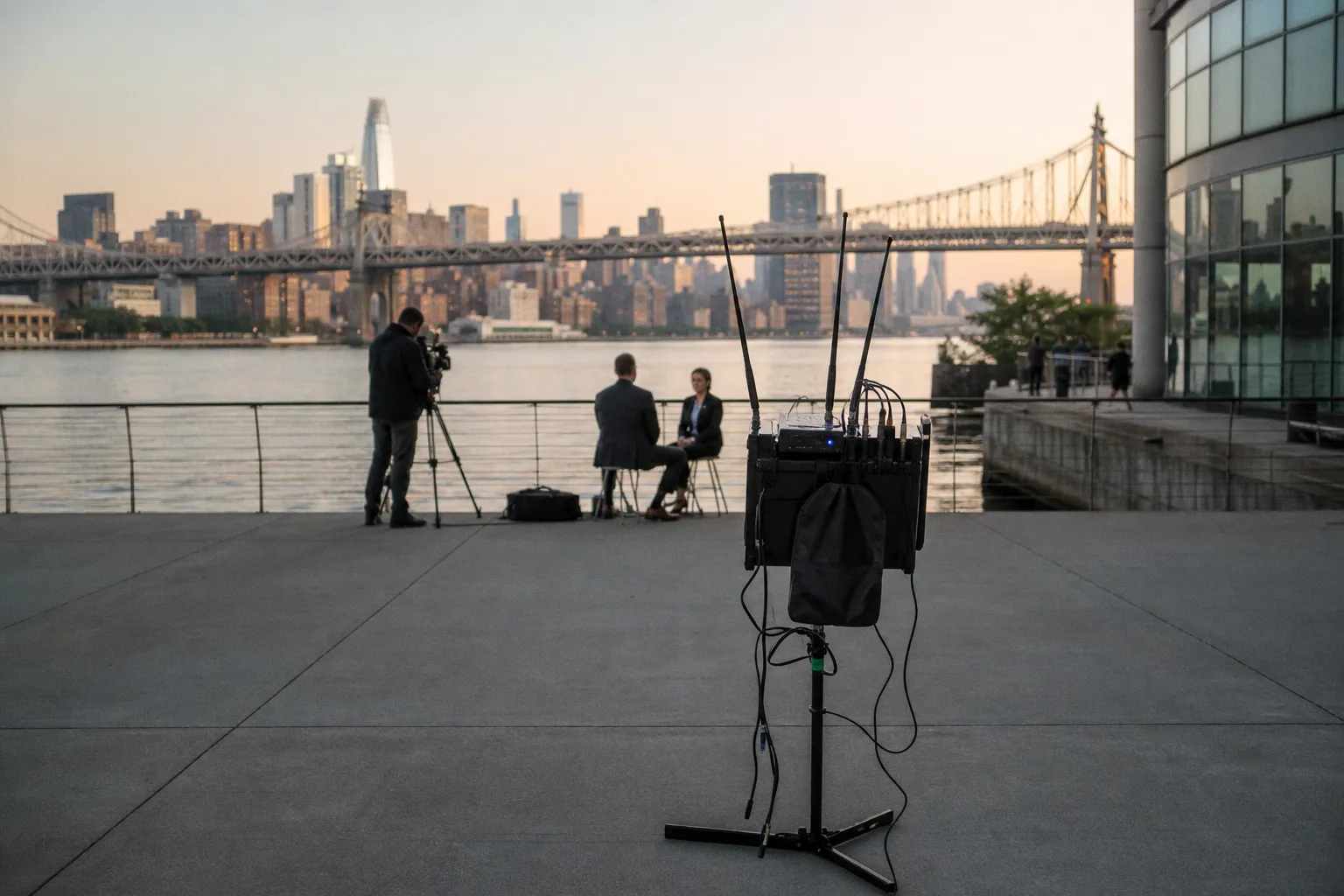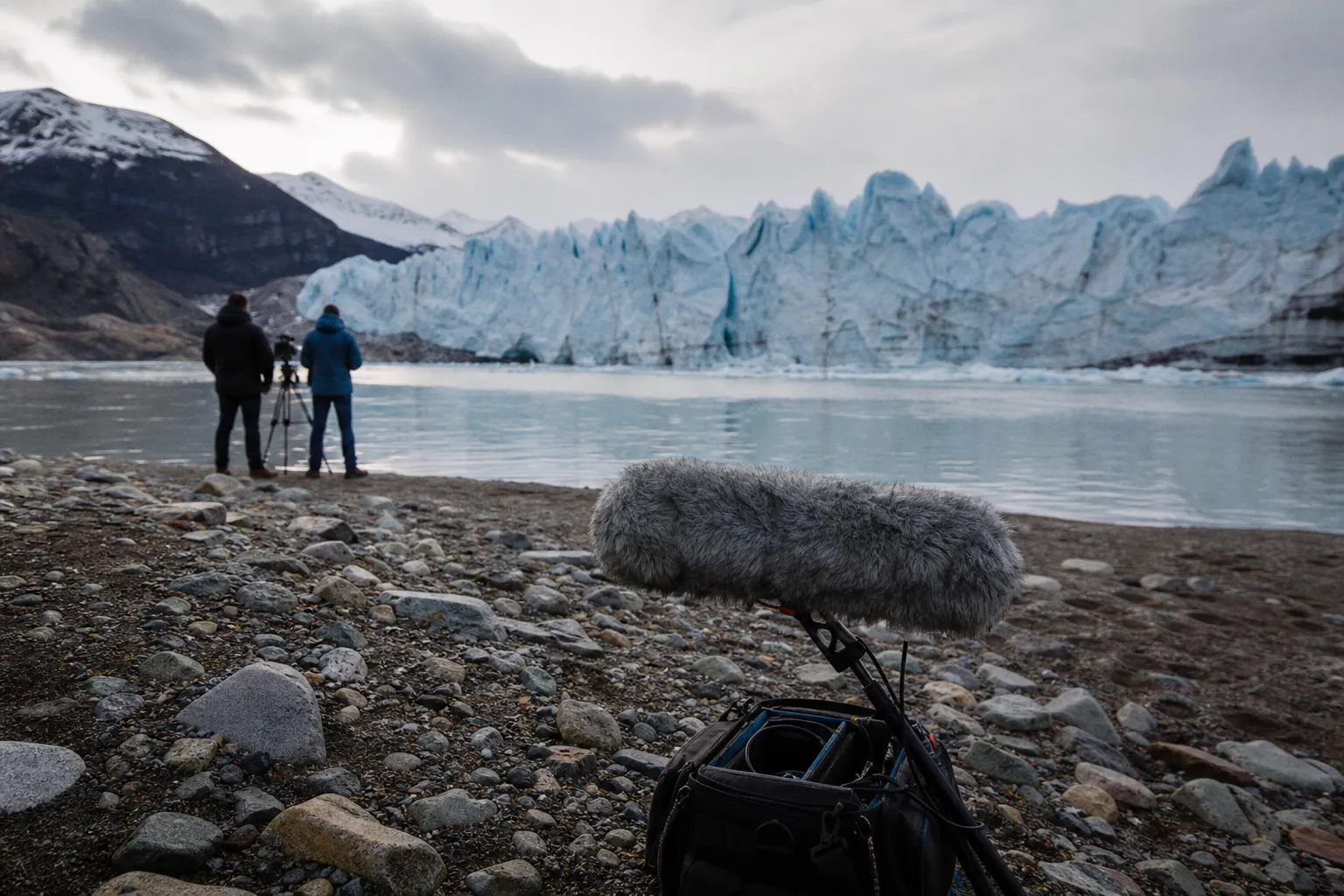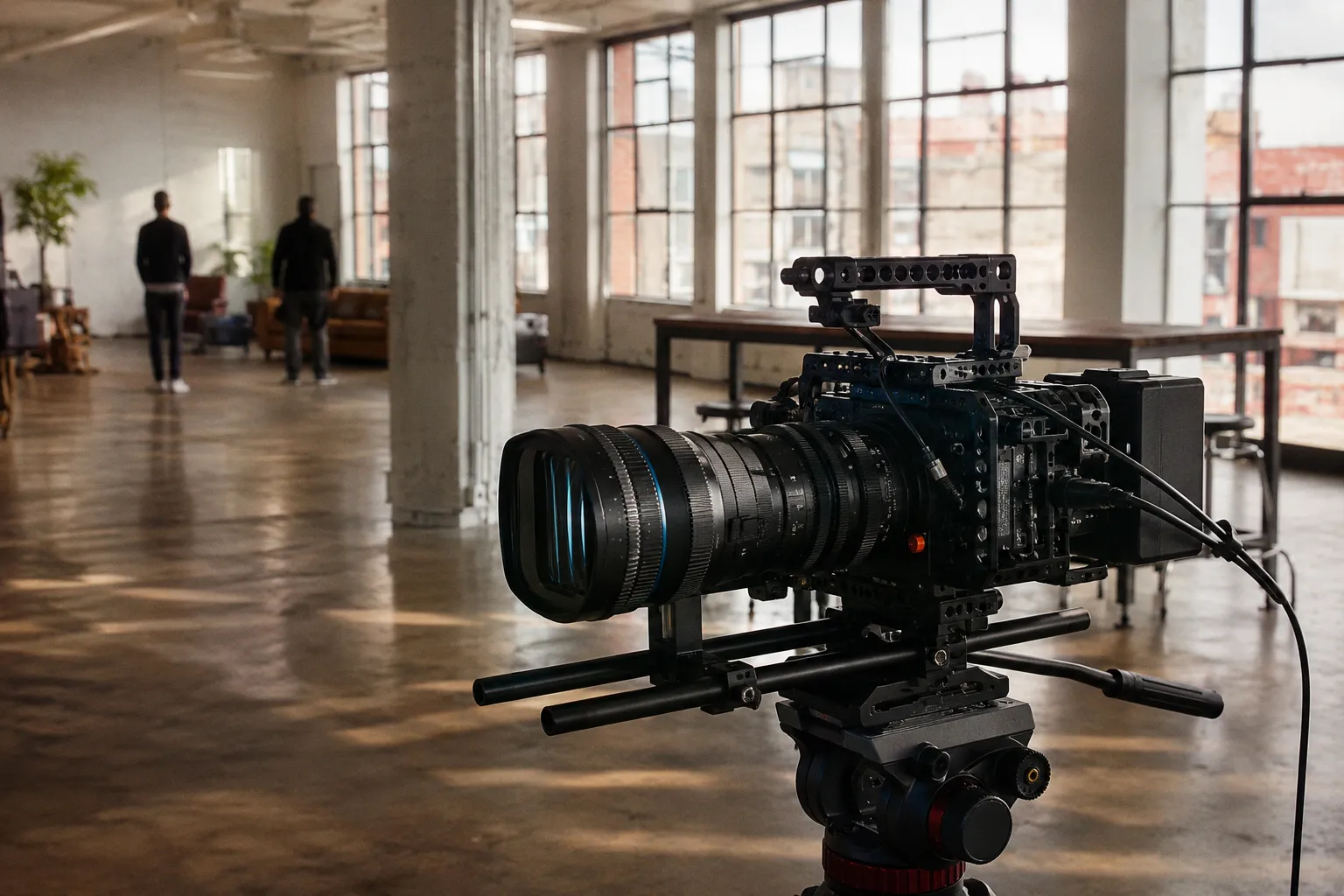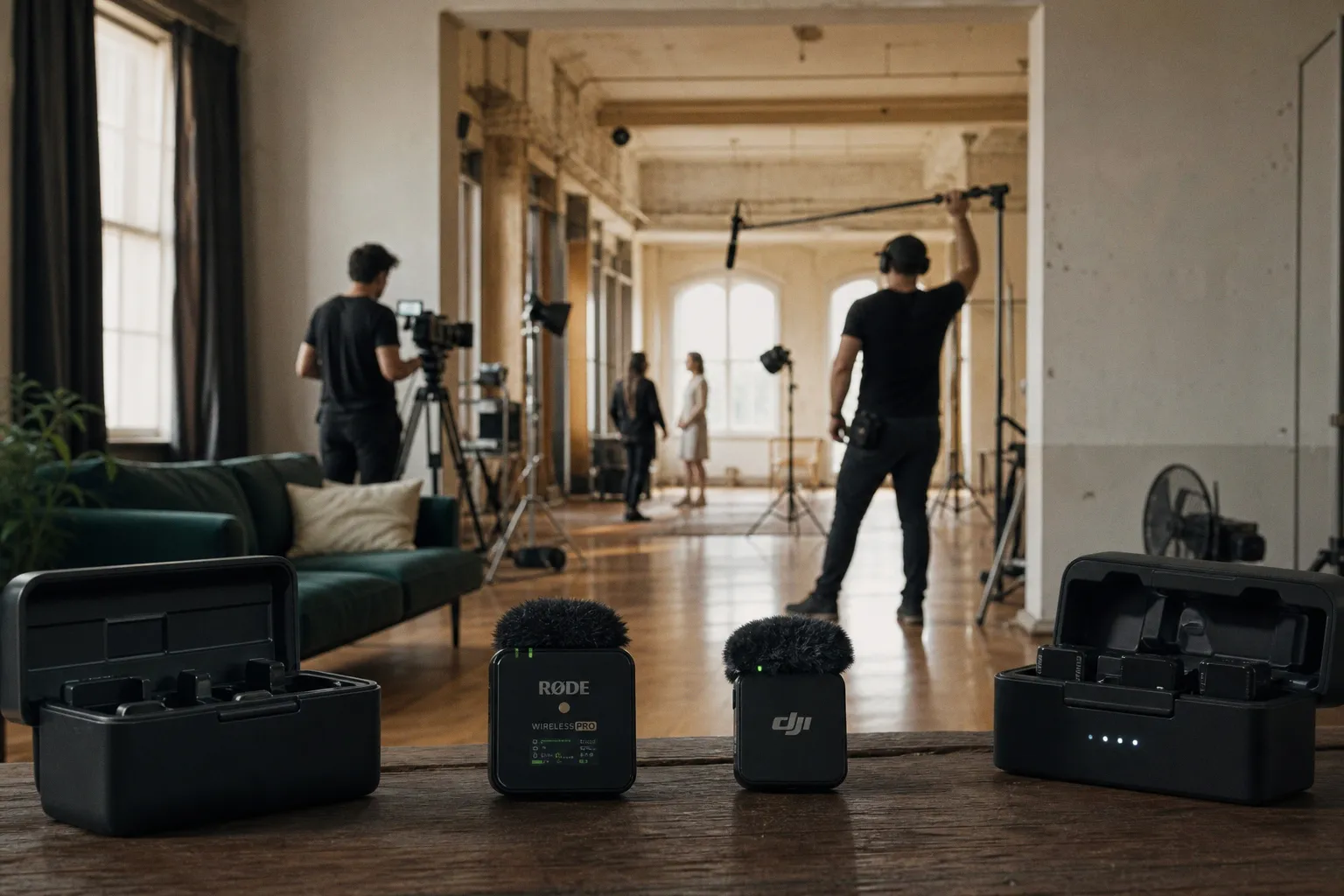
The timeline disaster usually starts quietly: two cameras, three short interview setups, a director who wants to move fast, and a folder full of audio files named just vaguely enough to make your assistant editor stare into the middle distance.
# Rode Wireless PRO vs. DJI Mic 2: Choosing the Right Wireless Audio for Film Dialogue
That is the real lens for this comparison. Not which tiny wireless kit looks better on a desk. We need to compare Rode Wireless PRO and DJI Mic 2 for film work by asking the ugly post-production questions first: Can we recover a hot take? Can we sync a multi-cam day without burning the evening? Can a one-person crew get clean enough dialogue while chasing a subject across bad lighting, reflective glass, and noisy streets?
Both systems are serious compact 2.4 GHz wireless kits. Both offer 32-bit float internal recording. Both can save a shoot that would have been far more fragile a few years ago. But they do not serve the same workflow with the same confidence. Rode Wireless PRO leans toward the disciplined production pipeline: timecode, redundancy, and post-friendly structure. DJI Mic 2 leans toward speed: Bluetooth direct-to-phone use, a slicker charging-case rhythm, and a run-and-gun experience that gets out of your way.
Let’s walk it like we would on a real prep call, with the edit already breathing down our neck.
The Professional Workflow: Why Timecode and 32-bit Float Matter for Dialogue
If you are shooting film dialogue with more than one camera, more than one recorder, or more than one day of pickups, sync is not an admin task. It is the hinge the whole post schedule swings on.
This is where the Rode Wireless PRO makes its strongest case. It includes a timecode feature designed to help synchronize audio and video in post-production. The DJI Mic 2 does not have that same timecode feature.
That single difference can change the temperature of the whole edit.
With Rode Wireless PRO, we can build a cleaner chain from set to timeline. Jam or align timecode where the production allows it, record onboard backups, then bring the files into the NLE or DAW with a fighting chance of fast sync. In a small production, this may simply mean less manual lining-up. In a larger one, it means the assistant editor is not spending the first day of post nudging waveforms and muttering at camera scratch tracks.
DJI Mic 2 is not helpless here. You can still sync by waveform. If the camera scratch audio is decent, waveform sync can work beautifully. But “can work” and “is designed for a disciplined conform” are different promises. Anyone who has round-tripped a locked sequence into Pro Tools, Resolve Fairlight, or another DAW knows the pain: if the source organization is soft, the sound edit inherits that softness.
Timecode is not glamorous. It is what keeps a fast shoot from becoming a slow post.
For scripted dialogue, documentary interviews, corporate films with multiple cameras, and any production where audio will move through a serious post chain, Rode’s timecode support is not a spec-sheet decoration. It is a workflow feature.
32-bit float helps both systems, but it does not place the mic for you
Both Rode Wireless PRO and DJI Mic 2 support 32-bit float internal recording. That is excellent news. It means if a subject laughs hard, shouts a line, or suddenly turns a calm interview into a motivational speech, we have more room to recover clipped or overloaded moments in post.
But we need to keep our hands steady here. 32-bit float is not a magic field mixer hiding in your pocket. It helps prevent digital clipping in the internal recording and gives us latitude when normalizing or rescuing hot levels later. It does not fix:
- a lav buried under a wool scarf;
- a transmitter scraping against a jacket;
- a subject turning away from the mic;
- a noisy café HVAC system;
- a boom shadow problem that forced the lav into a bad position;
- a lav capsule taped so low it captures chest resonance instead of speech clarity.
If the capsule hears bad sound, 32-bit float preserves bad sound with impressive headroom. That is useful, but it is still bad sound.
In practical post terms, 32-bit float gives us recovery, not immunity. We can pull down a hot waveform without the brittle crunch of digital clipping. We can normalize quiet passages with less fear. We can hand the dialogue editor files that still contain usable detail. But we still need placement, wardrobe control, and clean handling on set.
Run-and-Gun Efficiency: DJI Mic 2’s Bluetooth Integration and Charging Case Design
DJI Mic 2 has a very obvious strength: it reduces friction.
The transmitters can connect directly to smartphones via Bluetooth without needing the receiver. That matters more than it sounds. On a documentary day, a social cutaway, a behind-the-scenes capture, or a quick director’s note, the fastest audio path often wins. If the subject is ready, the light is good, and the scene is about to evaporate, nobody wants to rebuild a chain just to get usable speech into a phone.
This is where DJI Mic 2 feels tuned for modern field production. Not just “vlogging,” though it is very comfortable there. I mean the messy hybrid world many crews live in now: film dialogue in the morning, vertical promo pickup at lunch, producer interview in a hotel hallway, quick voice memo from a location scout, then back to the main camera package.
Its charging case also supports a total battery life of up to 18 hours, compared with the Rode Wireless PRO charging case providing up to 14 hours of additional battery life. We should not overstate that gap, because real-world battery confidence depends on how disciplined the crew is about docking units between takes. But the DJI case experience is streamlined. It encourages the right habit: pull, record, dock, move.
That habit saves shoots.
Intelligent Noise Cancelling: useful, but handle it like a blade
DJI Mic 2 includes Intelligent Noise Cancelling that can be toggled on or off to reduce ambient noise. In fast field situations, that is attractive. Street rumble, room tone, a mild air-conditioning bed — all of it can make a producer nervous when monitoring on small headphones.
But for film dialogue, I am cautious with baked-in noise decisions.
Noise reduction during capture can help when the destination is immediate: social delivery, quick review, a mobile edit, or low-stakes turnaround. For a proper dialogue edit, I would rather capture the cleanest natural signal possible and make noise decisions in post with better monitoring, better tools, and context from the whole scene.
The danger is not that noise cancelling exists. The danger is leaving it on because yesterday’s location needed it, then discovering today’s performance has artifacts around consonants, breaths, or room decay. Once those artifacts are printed, the dialogue editor has fewer clean options.
So my field rule is simple:
1. For rapid mobile content, test Intelligent Noise Cancelling and use it if the result is clearly better.
2. For scripted or post-heavy dialogue, record a controlled test before committing.
3. For emotional performance, preserve natural voice texture unless the noise problem is truly worse than the processing risk.
This is not superstition. It is just damage control before the damage exists.
Signal Reliability and Range: Testing 2.4 GHz Performance in the Field
On paper, the range comparison is almost a dead heat. Rode Wireless PRO offers up to 260 meters line of sight. DJI Mic 2 offers up to 250 meters FCC. Both operate over 2.4 GHz digital transmission.
Those numbers are useful, but only if we treat them as clean-condition ceilings, not promises made to a chaotic set.
Line of sight is the phrase to keep underlined. A transmitter across an open field is one thing. A transmitter behind a human body, through a metal doorway, near wireless video, beside a crowded trade-show floor, or clipped under a jacket is another thing entirely. The 2.4 GHz band is busy. It is where a lot of modern production convenience lives, and sometimes those conveniences elbow each other.
For film dialogue, I do not plan around maximum range. I plan around maintained proximity and redundancy.
That means:
- keep the receiver where it can actually see the transmitter path when possible;
- avoid burying the transmitter against the actor’s body if wardrobe gives us another option;
- use internal recording as a safety, not as an excuse to ignore RF health;
- monitor during rehearsals, not just takes;
- label transmitters and talent consistently so post does not inherit a guessing game.
The Rode Wireless PRO and DJI Mic 2 are both capable systems. The failure point is often not the radio spec. It is the five-minute rush before rolling, when someone clips a transmitter under three layers and nobody checks the return.
Range gets the headline. Receiver placement saves the take.
Post-Production Flexibility: Managing Clipping and Syncing Multi-Cam Shoots
This is where my bias as a post-production workflow architect shows. I care less about the unboxing experience than what happens when the media lands.
A clean wireless dialogue workflow has three milestones:
Milestone 1: Ingest without ambiguity.
Every audio file should tell us what it belongs to, even if we need the sound report, camera report, or folder structure to complete the story. If we are matching A-cam, B-cam, and internal transmitter files, we need consistent naming and handling.
Milestone 2: Sync without heroics.
Heroic waveform syncing is fine once. It is not a workflow. Rode’s timecode support gives us a more production-minded path here, especially on shoots with multiple cameras or long interview blocks.
Milestone 3: Round-trip without losing intent.
When the edit moves from NLE to DAW and back, the dialogue editor needs usable original recordings, not just a flattened camera mix. 32-bit float onboard recording on both systems gives us strong raw material. The Rode system’s timecode advantage helps keep that material tied to picture more gracefully.
DJI Mic 2 can still fit into a real post pipeline. If you are disciplined with file management and waveform sync is supported by good scratch audio, you can cut and conform successfully. But you are leaning more on process discipline and less on built-in sync architecture.
That distinction matters under deadline.
The keyboard-shortcut reality check
On a calm day, sync issues feel theoretical. On a delivery day, they become keystrokes.
You are in Premiere Pro, Resolve, or Final Cut. You select camera clips and audio. You run synchronize. You check waveforms. You nudge. You rename. You relink. Then the director asks why Scene 12B has lav audio on one angle and camera scratch on the reverse.
That is when the tool choice you made in prep becomes visible.
If the production is built around Rode Wireless PRO, we can lean on timecode as part of the sync plan. If it is built around DJI Mic 2, we should build a stronger manual protocol: slate when possible, keep camera scratch alive, call out transmitter assignments, and preserve folder structure from the case to the backup drive.
Neither route is wrong. One demands more post discipline to compensate for less sync metadata.
Choosing Your System: Matching Audio Hardware to Your Production Scale
This is the trap in many comparisons. They test both systems as if “voice recording” were one category. It is not.
Film dialogue has different pressure points:
- performance cannot always be repeated;
- wardrobe may fight microphone placement;
- camera distance may change quickly;
- the editor may need alternate takes, room tone, and clean handles;
- the mix may expose flaws that were invisible on set headphones;
- the sound may need to survive festival playback, streaming compression, and loudness delivery.
Creator audio, mobile journalism, and quick branded content have their own demands. Speed matters more. Compact setup matters more. Direct phone connection can be the difference between capturing the moment and talking about the moment after it is gone.
This is why DJI Mic 2 is so compelling for lean crews. Bluetooth direct-to-smartphone use is not a gimmick when the production format includes mobile capture. It is workflow compression. Fewer pieces, fewer cables, fewer moments where the subject waits while the crew digs through a pouch.
Rode Wireless PRO, by contrast, feels like it is asking you to respect the chain. That can sound slower. On set, though, “slower” often means “recoverable later.”
If your work lives near film video production, especially with a post schedule that includes organized conform, dialogue cleanup, sound design, and final mix, Rode’s architecture lines up with that world. If your work lives between camera, phone, and immediate publishing, DJI’s architecture feels more natural.
Let’s make the decision without fanboy fog.
Choose Rode Wireless PRO when the shoot has structure and post consequences:
1. Multi-camera interviews or scenes. Timecode support gives you a cleaner route through sync and conform.
2. Scripted dialogue with editorial handoff. If someone else will inherit the project, give them organized audio.
3. Documentary days with long recording blocks. 32-bit float onboard recording plus timecode can reduce panic when the edit begins.
4. Projects moving into a DAW for dialogue edit and mix. The more serious the sound post, the more you appreciate metadata and reliable source files.
5. Crews that can maintain a proper audio routine. Rode rewards disciplined prep.
Choose DJI Mic 2 when the shoot is fast, mobile, and shape-shifting:
1. Run-and-gun interviews. The system is quick to deploy and easy to keep moving.
2. Smartphone capture. Direct Bluetooth connection to phones without the receiver is a real advantage.
3. Creator-led production days. The system is built for one-person crews who need to move from setup to capture instantly.
4. Quick-turn content where speed is the primary value. When the deadline is now, the fast connection matters.
5. Productions that need a longer runtime from the charging case. The case endurance can be a real differentiator on long days.
The right kit is not the one with the best specs. It is the one whose weaknesses you can manage and whose strengths match where your production actually lives or dies.