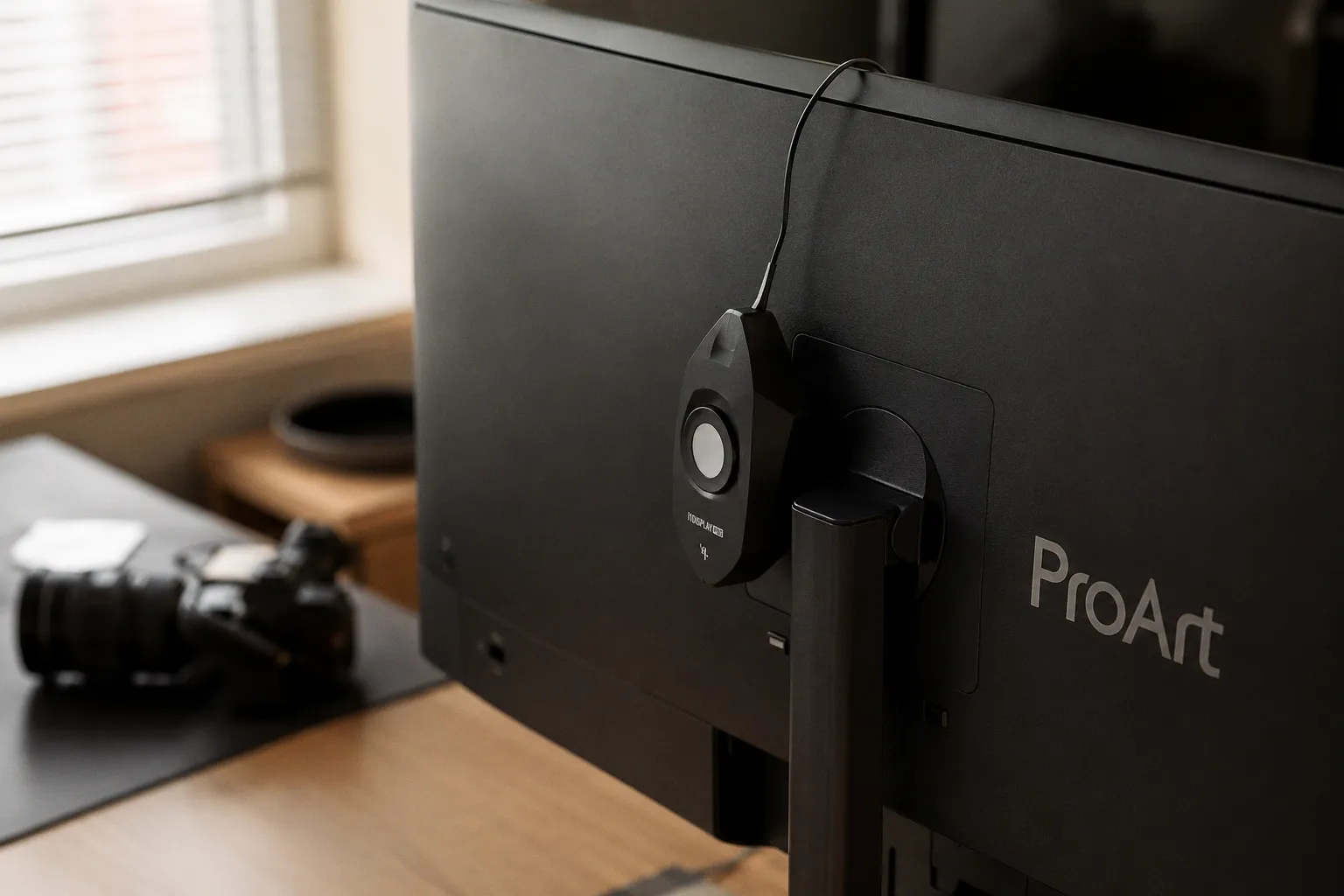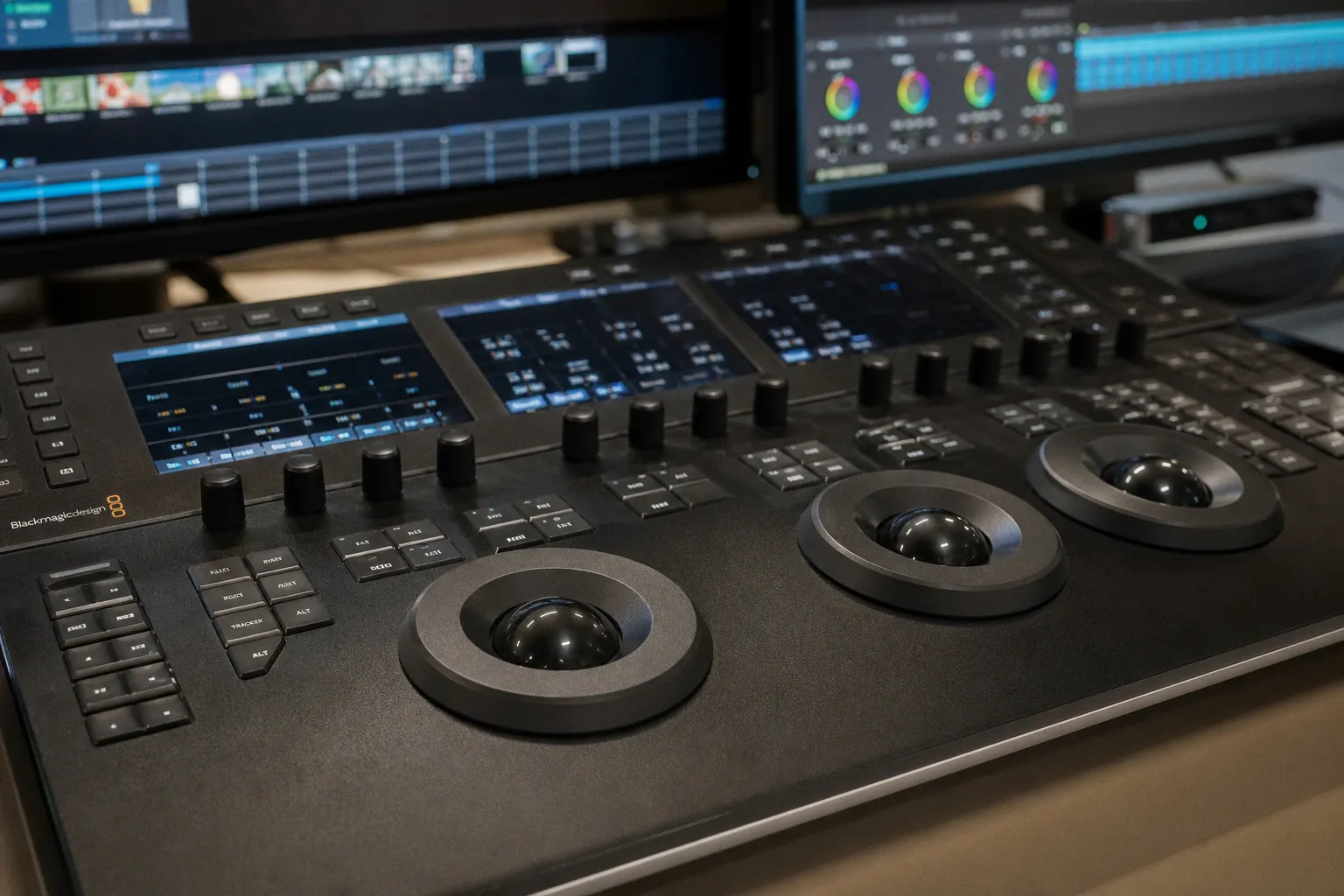
You're staring at a timeline that won't render, a client who moved the deadline up by two days, and a GPU that's thermal-throttling every time you add a second node to your grade.
This year, the landscape shifted hard. DaVinci Resolve shipped its Neural Engine upgrades, Adobe baked generative AI directly into Premiere Pro's timeline, Apple doubled down on spatial video, and Avid quietly reminded everyone why it still owns the top end of feature film. We're going to walk through each of these developments with real workflow context — not spec-sheet bullet points — so you can match your tool to your actual production demands.
AI-Driven Post-Production: From IntelliTrack to Generative Extend
The first thing you need to understand about AI in 2025's NLEs is this: none of these tools are replacing you. The marketing copy says "co-pilot" and "assistive," and for once, the marketing is telling the truth. Every AI feature shipping right now is designed to eliminate the tedious — rotoscoping, noise profiling, point tracking, frame extension — so you can spend your hours on decisions that actually require a human brain with editorial instincts.
Here's where each platform landed:
DaVinci Resolve 19 introduced IntelliTrack, an AI-powered point tracker running on the DaVinci Neural Engine. If you've ever spent forty minutes hand-tracking a window on a handheld interview because the face kept sliding out of the tracker's grasp, IntelliTrack is the fix. It locks onto facial features and objects with a persistence that feels almost unsettling the first time you use it. Pair it with UltraNR — the new temporal and spatial noise reduction engine — and you're looking at a grading pipeline that can rescue footage that previously demanded a round-trip to Neat Video or a dedicated denoiser.
Adobe Premiere Pro v25.0 brought Generative Extend, powered by Adobe Firefly. The concept is straightforward: you've got a cut where the out-point lands a half-second too late, the performer's mouth is mid-word, and you don't have the coverage. Generative Extend generates additional frames — at the head or tail of a clip — to smooth that transition. Is it perfect? No. Is it usable for broadcast-level work? Not yet without scrutiny. But for corporate content, social deliverables, and rough-cuts? It's a genuine timeline-saver.
Final Cut Pro 11 debuted Magnetic Mask, Apple's answer to AI-driven subject isolation. No green screen, no manual roto. It identifies your subject and builds a clean matte in real time, leveraging the Neural Engine on Apple Silicon. For editors working in the Apple ecosystem — especially those integrating with Apple Vision Pro for spatial video previews — this is the most frictionless path.
The real story isn't which NLE added AI. It's which AI feature actually saves you billable hours on your specific type of project — and that answer is different for a colorist, an offline editor, and a motion graphics artist.
DaVinci Resolve 19 and the Neural Engine Revolution in Color Grading
If you do any meaningful color work — and in 2025, if you're delivering to Dolby Vision specs, that's 12-bit mastering with precision that demands tools built for it — DaVinci Resolve remains in a category of its own. Not because of hype, but because of the node tree architecture.
Here's what changed with version 19. The Neural Engine now powers more than just face refinement tools. IntelliTrack plugs directly into your node tree, meaning you can:
1. Track a face in Node 3, build a qualifier-based secondary on the skin tone, and apply it to every shot of the interview — across cuts — without re-tracking each clip individually.
2. Run UltraNR as a dedicated node early in your tree, denoising the image before your primary corrections, which prevents the noise reduction from fighting with your contrast adjustments later.
3. Use the new ColorSlice tool to make hue-vs-hue and hue-vs-saturation adjustments with a visual interface that maps directly to the scopes — no more guessing which wheel affects which range.
The keyboard shortcuts matter here. If you're not using Shift + Space to bring up the node navigation window, you're wasting time scrolling through complex trees. And if you haven't mapped Ctrl + Shift + N to insert a new serial node before your current selection, do it today — it shaves seconds off every pass, and seconds compound over a 90-minute timeline.
For those of us grading 4K and 8K material, Resolve's GPU utilization on NVIDIA hardware remains best-in-class. With the expected arrival of NVIDIA's Blackwell architecture in 2025, Resolve's CUDA pipeline should see meaningful encode and decode acceleration — but we're holding off on benchmark claims until the silicon is shipping and the drivers are stable. Puget Systems testing has consistently shown Resolve's real-time playback advantage on multi-GPU rigs, and we expect that trend to continue.
If your deliverable spec calls for 12-bit Dolby Vision, Resolve isn't a preference — it's practically the only NLE where you can do the full finish without a round-trip.
Adobe Premiere Pro v25.0 vs Final Cut Pro 11: Speed and Spatial Video
This is the comparison every editor at a mid-size post house asks about. We hear it in every workflow audit: "Should we switch to Final Cut?" or "Is Premiere finally stable enough?" The honest answer is: it depends on what you're cutting and who you're cutting it with.
Let's break it down:
| Feature / Capability | Premiere Pro v25.0 | Final Cut Pro 11 |
|---|---|---|
| AI Subject Isolation | Roto Brush 3 (After Effects integration) | Magnetic Mask (native, real-time) |
| AI Frame Extension | Generative Extend (Firefly-powered) | Not available |
| Collaborative Editing | Productions framework, multi-user bins | Limited (single-user-centric) |
| Spatial Video Support | Basic import/preview | Full Apple Vision Pro pipeline |
| Codec Support | Broad (ProRes, DNxHR, H.265, AV1) | Excellent within Apple ecosystem |
| Cross-Platform | Windows + macOS | macOS only |
| Shared Storage Integration | Frame.io, LucidLink | Limited third-party SAN/NAS |
| Proxy Workflow | Built-in, flexible ingest presets | Optimized media, background transcode |
If your shop is cross-platform — editors on Windows, colorists on Mac, producers reviewing on iPads — Premiere's Productions framework and its Frame.io integration give you a collaborative backbone that Final Cut simply doesn't match. Avid does this better (more on that below), but Premiere occupies the middle ground for shops that need shared access without committing to Avid's infrastructure cost.
Final Cut Pro 11, though, has a speed advantage that's hard to ignore for solo editors and small teams on Apple Silicon. The magnetic timeline's background rendering, optimized media generation, and now Magnetic Mask mean you can rough-cut, isolate subjects, and preview spatial content without leaving the application — and it's fast. Really fast. If your deliverable includes spatial video for Vision Pro or you're embedded in the Apple ecosystem, Final Cut is the path of least resistance.
Where Premiere fights back: Generative Extend is genuinely novel. No other NLE is shipping AI-generated frame content directly in the timeline. For documentary editors with archival footage that cuts short, or corporate producers who need two more seconds of a presenter's pause, this tool fills a gap that previously required After Effects or a creative workaround with speed ramps.
The decision matrix is simple:
- Cross-platform team, diverse deliverables, shared storage → Premiere Pro
- Solo/small team on Apple, speed-critical, spatial video → Final Cut Pro
- Color-critical finishing, Dolby Vision, complex grading → DaVinci Resolve (Studio)
And if you're working on a scripted feature or episodic broadcast at scale? That brings us to the elephant in the room.
Avid Media Composer and the Persistence of Bin Locking in Film Pipelines
Avid doesn't generate the YouTube hype cycles. It doesn't have a flashy AI demo on stage at NAB. What it has is Bin Locking — and if you've ever worked on a scripted show with six assistant editors, two additional editors, and a VFX editor all accessing the same shared project simultaneously, you know why that matters.
Bin Locking means Editor A locks the "Scene 42 - Assembly" bin, makes their changes, and unlocks it. Editor B can see the bin is locked and works on a different bin. No conflicts. No corrupted sequences. No "who overwrote my cut?" conversations at 11 p.m. In a Premiere Productions environment, this level of granular, simultaneous access requires careful coordination and strict naming conventions. In Avid, it's built into the DNA of the application.
Avid's integration with Avid NEXIS shared storage remains the gold standard for broadcast facilities. The NEXIS system handles media management at a scale that most small shops don't need — but for studios delivering weekly episodic content, it's not a luxury, it's infrastructure. Media Composer reads from NEXIS natively, handles media creation, deletion, and bin management across the shared workspace, and does it without the latency issues you'll hit trying to run Premiere from a NAS over 10GbE.
Here's the reality for 2025: Avid hasn't matched DaVinci's AI toolset or Premiere's generative features. It doesn't need to. Its user base isn't asking for AI rotoscoping in the NLE — they're using dedicated VFX pipelines for that. What Avid users need is rock-solid stability, bin-level collaboration, and media management at scale, and Avid delivers that without drama.
If your pipeline includes:
1. Multiple editors on the same project simultaneously — Avid.
2. VFX editors managing pull lists and turnover packages — Avid.
3. Deliverables to major studios and broadcasters with specific AAF/OMF requirements — Avid.
If none of those apply, you're probably overpaying for infrastructure you don't need, and Premiere or Resolve will serve you better with a lower total cost of ownership.
Technical Benchmarks: Optimizing Hardware for 8K and 12-bit Mastering
Let's talk about the machine under your desk, because choosing the best video editing software in 2025 is only half the equation. The other half is whether your hardware can actually run it without choking.
Here are the benchmarks we're recommending to every post house we consult with right now:
RAM
- 32GB: The absolute floor for 4K editing. You can cut, proxy, and do basic color. The moment you open After Effects, Fusion, or try to run multiple background apps, you'll feel it.
- 64GB: The working standard for 2025. This is where 4K timelines feel responsive, and basic 8K proxy workflows are viable.
- 128GB: If you're finishing in 8K, running Fusion comps with particle systems, or doing heavy After Effects work, this is your target. Non-negotiable for VFX-heavy pipelines.
GPU VRAM
- 8GB minimum: Sufficient for 4K editing and basic color grading in Resolve.
- 16GB+ recommended: Required for AI features (IntelliTrack, Magnetic Mask, Generative Extend), 8K timeline playback, and any real-time Fusion or After Effects work.
Storage
- NVMe SSD for OS + Applications: Obviously.
- Dedicated NVMe or fast external SSD for media: ProRes 422 HQ and DNxHR are your intermediate codecs — they're I/O hungry, and a slow drive will bottleneck your timeline before your GPU does.
- 10GbE connection to shared storage: If you're on a NAS or SAN, this is the minimum. 1GbE is dead for video — it was dead two years ago, and anyone still running it is living with proxy-only workflows by necessity.
Codec Strategy
ProRes 422 HQ and DNxHR remain the professional intermediate codecs. They're visually lossless, edit-friendly, and universally supported across the NLEs we've discussed. For delivery, AV1 is gaining real traction — its compression efficiency outperforms H.265 at equivalent quality, and hardware encoding support is expanding with the latest GPU generations. If you're not testing AV1 for your delivery pipeline yet, start.
Network Health
One thing we see constantly overlooked: your timeline's performance is only as good as your storage's throughput. Before you spend four thousand dollars on a new GPU, benchmark your media drive. Run AJA System Test or Blackmagic Disk Speed Test. If you're not sustaining reads above 1,000 MB/s on your working media volume, your playback stutters aren't a software problem — they're an infrastructure problem.
A fast NLE on slow storage is a sports car in a parking garage. Fix the infrastructure first, then optimize the software.
The Preventative Checklist: Before You Commit to an NLE in 2025
We close every workflow audit with this. Before you sign the license, migrate the project, or retrain your team, run through these questions:
1. What is your primary deliverable? Broadcast episodic → Avid. Corporate/digital → Premiere or Final Cut. Color-critical finishing → Resolve. There's no single answer, and hybrid pipelines are valid — but you need a "home base" NLE.
2. How many people touch the same project simultaneously? Solo editor → Final Cut or Resolve. Small team → Premiere Productions. Large team with shared bins → Avid NEXIS.
3. Are you grading in the same application? If yes, Resolve is hard to argue against, even if you cut in another NLE. The round-trip through AAF/XML is a known workflow — learn it, and your colorist will thank you.
4. What's your hardware ceiling? If your machines max out at 32GB RAM and a 6GB VRAM GPU, AI features will stutter or refuse to run entirely. Upgrade the iron first.
5. Do you need spatial video or immersive deliverables? If Apple Vision Pro or spatial content is on your roadmap, Final Cut Pro 11 has the most mature pipeline for this today.
6. What's your storage infrastructure? If you're on 1GbE NAS or spinning drives, no NLE will perform well. This is the unglamorous fix that unlocks everything else.
And one last thing — something we tell every editor burning through a deadline crunch. Take care of yourself during the long hours. Your posture, your eyes, even your teeth from the coffee and stress-grinding (yes, we've seen it, and there are resources for that). A healthy editor makes better creative decisions at hour twelve than a wrecked one at hour six.
The best video editing software in 2025 isn't the one with the flashiest feature list. It's the one that fits your team, your hardware, your deliverables, and your budget — and doesn't buckle when the deadline moves up and the timeline needs to hold. We've given you the map. Now go match your tool to the work.