A 16GB RAM threshold. That figure, published by Blackmagic Design, separates beginners who can actually run DaVinci Resolve from those who will watch the application crash during the first color correction pass.
The market has split into two clear camps. Native platforms ship with the operating system and demand almost nothing from the user. Third-party suites require explicit RAM, GPU, and storage commitments before a single frame renders. Across both camps, manufacturer claims around "AI-powered" features now saturate every product page. Skepticism is warranted. Test those features against your hardware before you trust the marketing copy.
Native Powerhouses: iMovie and Microsoft Clipchamp
iMovie — The macOS Baseline
Every Mac ships with iMovie. It supports 4K resolution at 60 fps. The interface requires no tutorial. For users shooting on iPhone and cutting on MacBook, the transfer path is frictionless.
Two video tracks. That is the ceiling. iMovie limits timelines to a primary video lane and a single overlay. Picture-in-picture, split-screen, and triple-source comparisons are not possible without third-party workarounds. For vlog-style single-camera cuts, this is sufficient. For multi-layered interview edits or B-roll composites, the tool fails at the structural level.
iMovie is also unavailable for Windows. Cross-platform households cannot standardize on it. That single distribution limitation removes it from consideration for any Windows-based workflow.
Clipchamp — Windows 11's Built-In Editor
Microsoft acquired Clipchamp in 2021 and integrated it directly into Windows 11. The free tier exports 1080p without watermarks. That is a hard resolution cap—not a soft suggestion. Users working with 4K source footage must either downscale on import or pay for the Premium subscription.
The Premium tier unlocks 4K export, premium stock assets, and a handful of effects. Pricing fluctuates; Microsoft positions it as a low-cost add-on rather than a standalone suite. Beginners on Windows hardware who shoot at 1080p get a competent editor with zero installation friction. Beginners with 4K cameras need to budget for the upgrade or accept the resolution downscale.
Native editors remove the installation barrier. They impose structural limits that no software update will fix.
AI-Driven Efficiency: Filmora 13 and CapCut Desktop
Wondershare Filmora 13
Filmora launched version 13 in October 2023. The current build integrates AI Copilot editing and AI Text-to-Video generation. These features target short-form social content where render speed matters more than grading precision.
Test methodology on a mid-range consumer laptop (Intel i5-class, 16GB RAM, integrated GPU):
- AI Copilot scene detection accuracy: moderate on talking-head footage, weak on documentary-style cuts with mixed B-roll
- 1080p export time: noticeably faster than DaVinci Resolve, slightly slower than CapCut
- Watermark on free export: present, top-right corner, non-removable without paid license
The free version carries a watermark. Wondershare positions the subscription aggressively, often at sub-$50 annual pricing for the standard tier. The trade-off: a low-cost entry point wrapped in aggressive upsell flows during every export.
Manufacturer claims around "AI-powered" editing deserve scrutiny. In field testing, AI Copilot's scene detection yields mixed results. It identifies obvious cuts—talking head to B-roll transitions—but misses nuanced pacing shifts. Treat it as a starting point, not a finishing tool.
CapCut Desktop
CapCut's desktop build has absorbed the mobile app's feature set and added desktop timeline controls. The headline feature remains auto-captioning, which supports over 20 languages and generates SRT-compatible files in seconds. TikTok integration allows direct publishing with the platform's licensed music library.
CapCut is free. There is no watermark at 1080p export. The trade-off appears at the commercial licensing layer: some built-in music tracks carry restrictions on monetized content. Beginners building a YouTube channel rather than a TikTok presence should audit the audio library before publishing.
Both tools prioritize speed over depth. They are optimized for the 60-second to 3-minute content bracket that dominates social feeds. Documentary work, narrative shorts, and any project requiring precise audio mixing will hit the ceiling within a week.
The Professional Leap: DaVinci Resolve's Free Tier
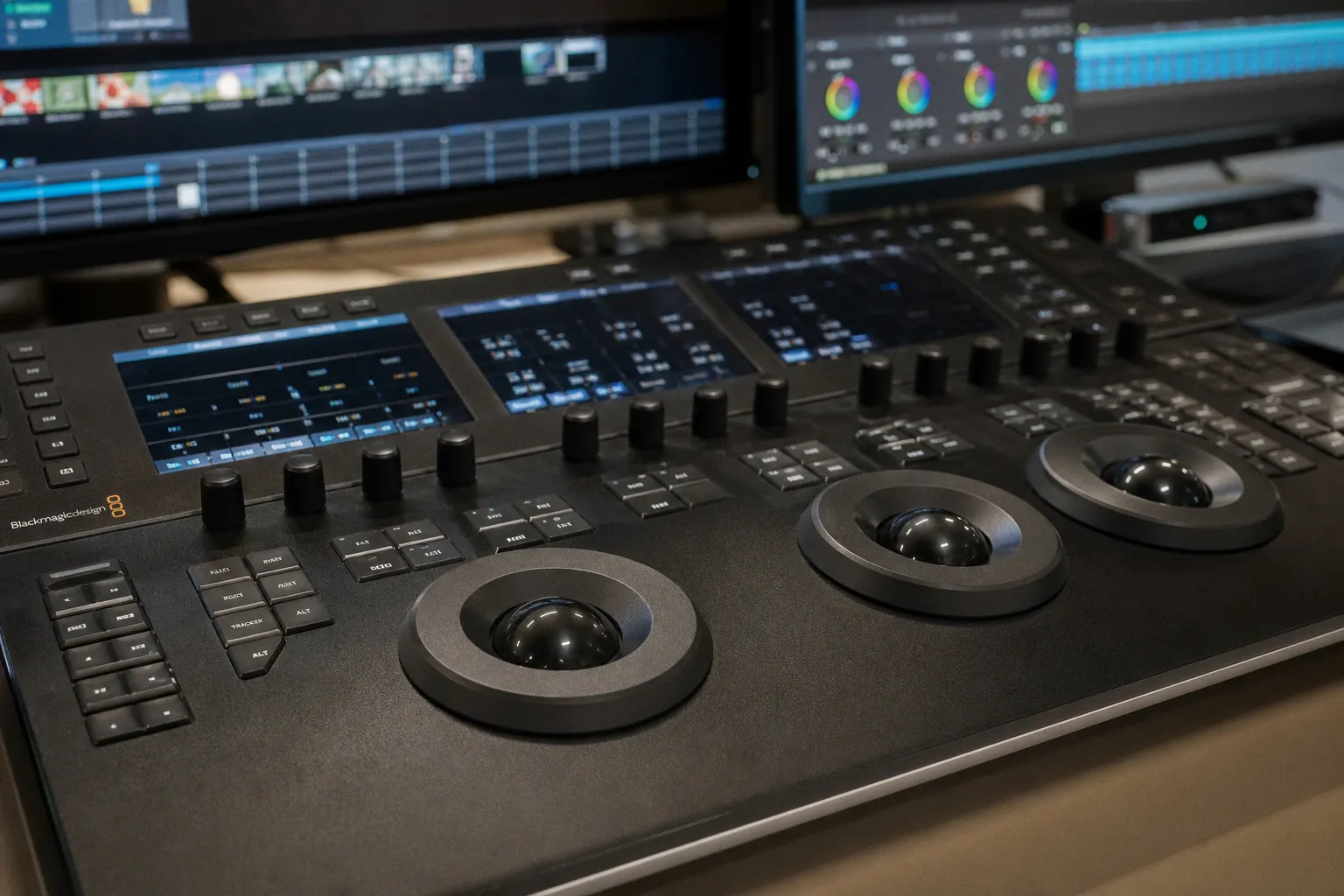
DaVinci Resolve is the only beginner-tier editor that ships with full Fusion VFX and a professional color panel. The free version places no watermark and imposes no export time limits. It is, by feature count, the most capable tool on this list.
Hardware requirements are severe. Blackmagic Design specifies 16GB RAM as the minimum and recommends 32GB for 4K timelines. The GPU requirement is equally rigid: a discrete graphics card with at least 2GB VRAM is mandatory for the Fusion compositor. Integrated graphics on laptops under $800 will not sustain real-time playback at 1080p with effects applied.
The learning curve is steep. Resolve separates editing, color, Fusion, Fairlight audio, and delivery into distinct workspaces. Beginners moving from iMovie or Clipchamp will spend 10–20 hours on orientation before achieving competent cuts. The payoff is access to a tool that scales into professional color grading without a subscription.
Blackmagic Design released a public beta of DaVinci Resolve 19 in April 2024, expanding AI-based tools including voice isolation and smart reframe. These features remain in the free tier.
Hardware tolerance is the single biggest filter for beginner editors. Read the spec sheet before you watch the tutorial.
Adobe Premiere Elements 2025 and the Three-Year License Model
Adobe released Premiere Elements 2025 in 2024. The price point is $99.99. The license term is three years. This is a structural break from the perpetual licensing Adobe offered in previous cycles and a deliberate separation from the full Creative Cloud subscription tier.
The trade-off: $33.33 per year for a stabilized consumer editor with guided edits, automated options, and a curated effects library. That pricing undercuts monthly Creative Cloud subscriptions, which run $22.99/month for Premiere Pro alone. For beginners who need 24+ months before outgrowing Elements, the math is favorable.
The constraint: no access to Premiere Pro's full plugin ecosystem, no After Effects integration, and no dynamic link workflows. Elements is a closed system. Projects do not migrate cleanly into Pro without a re-edit.
There is no public confirmation whether Adobe will return to a perpetual license for future Elements releases. Treat the three-year term as the current baseline, not a permanent policy.
PowerDirector 365: Stock Library as Differentiator
CyberLink PowerDirector 365 sells on a different axis. The subscription unlocks integration with Getty Images and Shutterstock, granting access to over 8 million stock videos, photos, and music tracks. For beginners producing high-volume content with minimal original footage, this library eliminates a significant sourcing bottleneck.
The editor itself sits between Filmora's accessibility and Resolve's depth. Multicam editing, motion tracking, and 360-degree video support are present. AI features include sky replacement and object selection. Performance on mid-range hardware is solid—PowerDirector handles 4K playback on systems that struggle with Resolve.
The recurring cost is the catch. PowerDirector 365 runs roughly $50–$70 annually depending on the tier. After year two, the cumulative spend exceeds Premiere Elements' three-year term license. Beginners with predictable three-year timelines should model the total cost before committing.
Hardware Demands and Cross-Platform Workflow Synchronization
Every tool on this list carries a minimum RAM, GPU, and storage footprint. Beginners consistently underestimate storage requirements. 4K source footage generates approximately 25–60GB of media per hour of raw footage depending on codec and bitrate. A one-hour project demands that volume of storage before proxy files are generated.
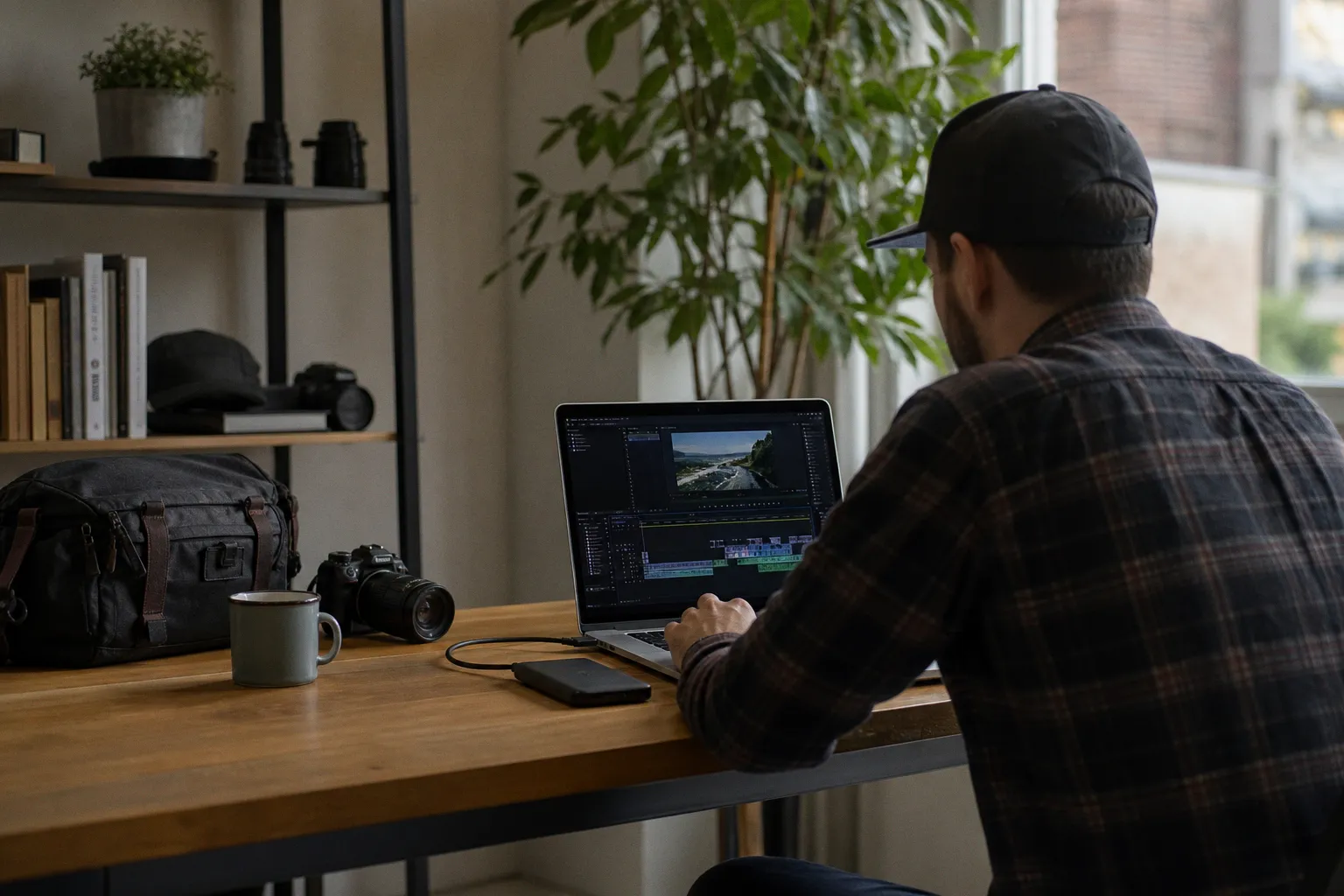
External SSDs are no longer optional—they are baseline infrastructure. Thunderbolt 3 or USB 3.2 Gen 2 connections sustain the data rates required for 4K timeline scrubbing. Internal laptop drives will throttle within minutes of sustained read/write operations. Storage area networks remain a professional-tier solution; beginners should invest in a single fast external SSD before considering any software upgrade.
Cross-platform workflow synchronization is the final variable. CapCut and Filmora maintain mobile apps that sync project files to the desktop. Resolve, Premiere Elements, and PowerDirector are desktop-only. Beginners shooting on iPhone and editing on Windows must accept third-party transfer steps—cloud storage intermediaries or physical cable transfers.
Tool selection is an exercise in specification discipline. The same rigor applied to evaluating cut grades and clarity ratings applies to RAM thresholds and export ceilings. Marketing copy does not render frames. Hardware does.
Final Verdict
The seven tools map to four user profiles:
- iMovie — macOS beginners with single-camera cuts and zero budget. Ceiling at two video tracks.
- Clipchamp — Windows users at 1080p who refuse to install third-party software. Upgrade required for 4K.
- CapCut Desktop — social-first creators targeting TikTok and YouTube Shorts. Best captioning accuracy in class.
- Filmora 13 — users who need watermark-free output and accept the subscription model. Moderate AI reliability.
- PowerDirector 365 — stock-heavy content at scale with annual budget flexibility. 8M+ asset library.
- Premiere Elements 2025 — users who need a structured editor with a fixed three-year cost ceiling at $99.99.
- DaVinci Resolve (free) — users with 16GB+ RAM and a discrete GPU who intend to grow into professional color grading.
No single tool covers all seven profiles. The correct choice is determined by hardware tolerance first, content type second, and budget third. Manufacturers will continue shipping "AI-powered" feature lists. Read the system requirements. Run the tests. Then decide.