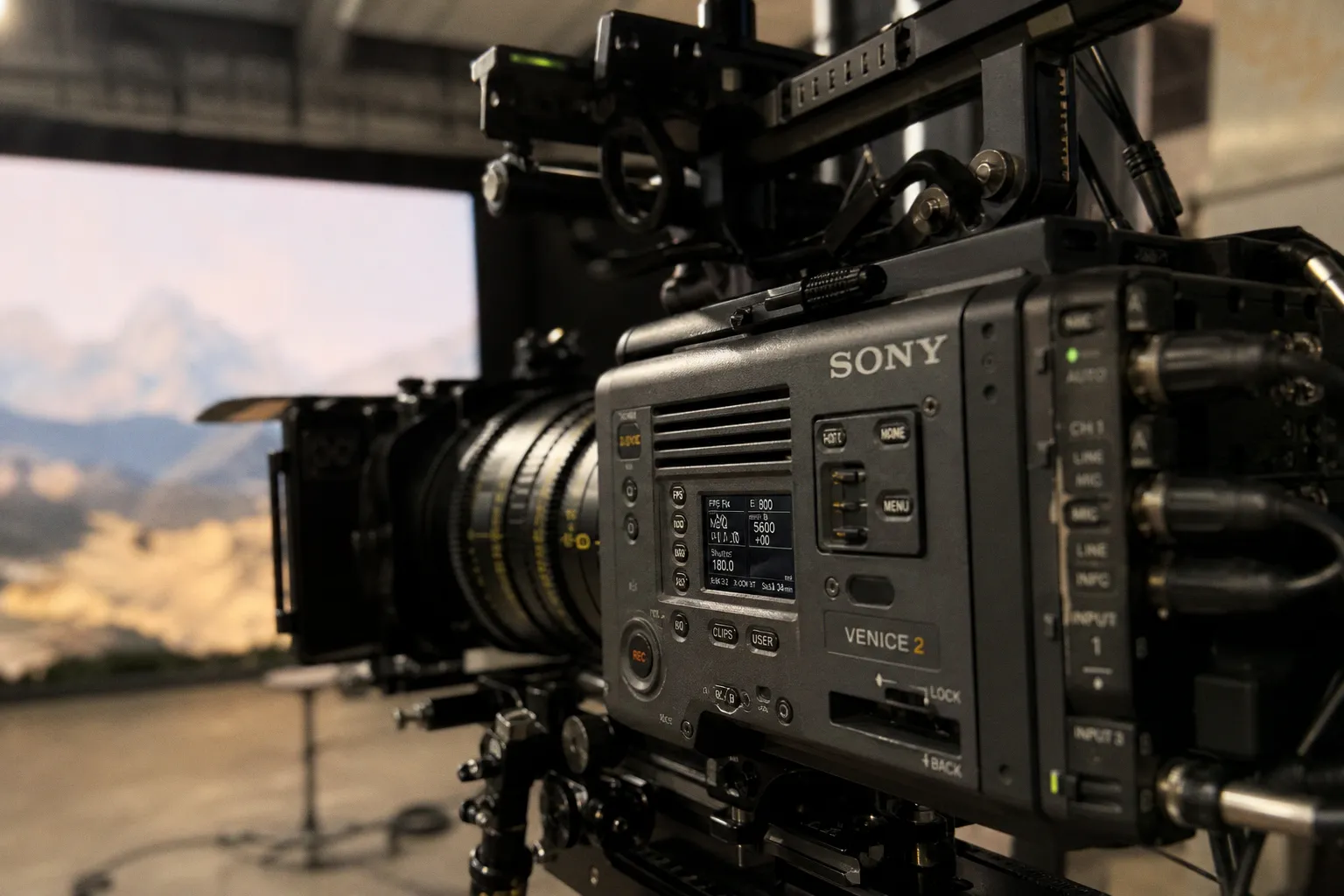
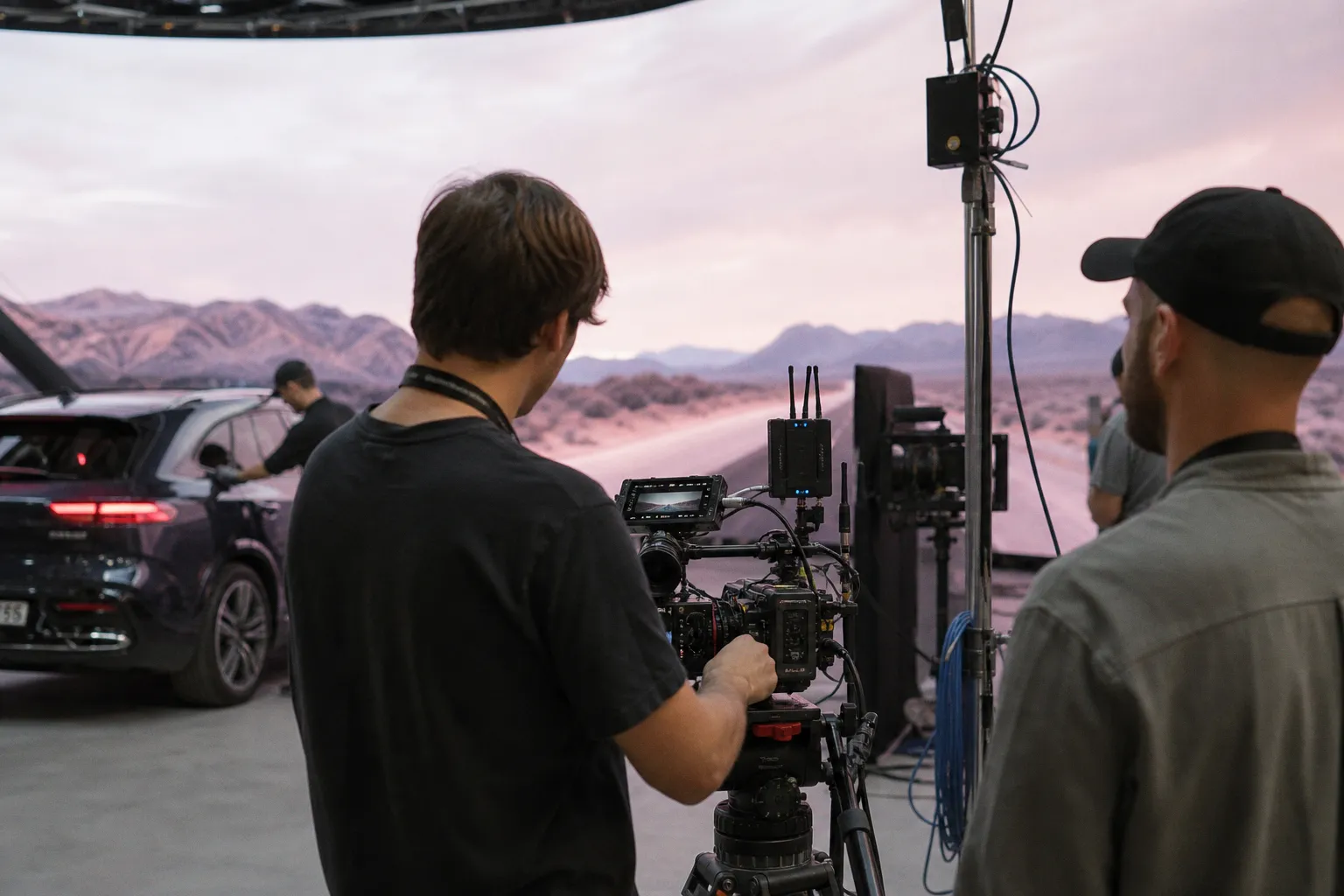
camera shifts one centimeter on an LED volume stage. That movement — invisible to most of the crew standing around the actors — forces the entire virtual background to redraw in real time. Parallax adjusts. Reflections on the actors' faces adjust.
The lighting bouncing off the practical set adjusts. This is the new baseline of in-camera VFX, and it is the single biggest reason LED walls have rewritten how modern filmmakers approach visual effects work.
But here is the part the marketing decks skip: that same wall can introduce moiré patterns, color shifts, and synchronization errors that traditional green screen never produces. So which one actually wins? It depends on the shot, the stage, and the imaging chain. Pretending otherwise is how productions burn through budgets chasing a technology that is not right for every setup.
The Mechanics of In-Camera VFX: Beyond the LED Wall
In-camera virtual production is not a single technology. It is a stack: LED lighting, live camera tracking, real-time rendering, and off-axis projection working in concert to deliver final-pixel imagery, with the stated goal of minimizing compositor work on the background plate. The objective is simple — finish the shot in the camera, skip the green screen, ship the frame. The reality is messier: even on a well-run LED shoot, finishing work tends to creep back into post for cleanup, edge refinement, and the occasional plate fix.
The geometry is what makes it sing. Every LED volume splits into two functional zones. The inner frustum is the portion of the wall the camera actually sees. That frustum moves with the physical camera and lens, rendering perspective-correct parallax that responds to every camera move in real time. The outer frustum — everything outside the camera's field of view — stays locked to the stage but continues to cast ambient light and reflections onto the actors and the practical set. That dual role is what turns an LED wall into a light source, not just a backdrop.
Epic's guidance on stage architecture is direct: a production aiming for a fully virtual environment may need an enclosed LED volume of at least 270 degrees for accurate set lighting and reflections. A one-sided or curved wall makes sense when only a slice of the environment is virtual — say, a window view of a distant cityscape. The stage geometry dictates the world geometry. There is no shortcut.
Camera tracking is the nervous system of the entire pipeline. Epic documents three categories: optical, feature, and inertial tracking. Optical reads markers or fiducials on the set. Feature tracking reads the environment itself. Inertial tracking pulls motion data from onboard sensors. The reliable answer, per Epic, is to combine measurement sources — typically optical and inertial together — because any single system has failure modes the others catch. When tracking drifts, the virtual camera drifts with it, and the entire illusion unravels. In practice, productions running a single tracking source tend to discover those failure modes on the worst possible take.
Frame synchronization is the silent killer behind most failed LED shoots. Every device in the chain — cameras, render engines, LED processors, tracking systems — has to share a clock. Epic warns that unsynchronized gear produces tearing, the kind of artifact no compositor can fully hide in post. Engine timecode and frame generation have to match the camera input exactly, or the wall starts lying about where the camera is. The diagnostic is painful: a frame of tear in a moving shot looks like a parallax jump, and the only way to track it down is to walk the entire chain, one device at a time.
A camera moves 1 cm and the entire virtual world redraws. That is the promise — and the trap. The imaging chain has to be calibrated end-to-end, or the promise becomes the problem.
Keying and Compositing: Why Green Screen Remains a Vital Fallback
Green screen is not legacy. It is the most mature compositing workflow in the business, refined over decades, and it solves problems that LED volumes physically cannot. The premise is straightforward: software identifies a key color (typically green or blue), isolates the foreground subject, and drops in a new background. Tools like Maxon's Primatte Keyer expose granular controls such as Spill Killer strength — push it to 100% and the foreground colors are completely spill-corrected, removing the green tint that bleeds onto actors from reflected key light. Detail restoration handles the hard stuff: hair, translucent fabric, smoke, glass.
Where does green screen still beat an LED wall? Anywhere the final background is locked in post. If the director wants to revise the cityscape three times during the edit, no LED volume can keep up — but a green screen plate gives the compositor total flexibility to swap environments without reshooting. Green screen also dominates shots with extreme camera motion, heavy foreground occlusion, or environments too complex or too uncertain to pre-render at production fidelity for an in-camera finish. The math is straightforward: anything that has to change later is cheaper to keep flexible from the start.
The other advantage is predictability. A green screen stage has been debugged for forty years. The variables are well understood: key color, lighting consistency, spill management, edge detail. LED volumes introduce a chain of new variables that have to be solved on every shoot. For productions that need reliability over spectacle, green screen is still the safer bet — particularly on tighter schedules where there is no room to debug a new imaging chain during principal photography.
Managing the Imaging Chain: Moiré, Color, and Calibration Challenges
This is where most LED volume shoots stumble, and it is the technical territory green screen never has to enter. LED walls add a chain of variables that did not exist before: pixel pitch, refresh rate, camera-to-wall distance, lens filters, aperture, focus, depth of field, sensor structure, and the wall's own color profile. Every link has to be tested, calibrated, and matched to the specific camera package. Skip one and the "final pixel" framing collapses.
Moiré is the headline problem. It is camera-dependent, meaning the same wall can produce clean imagery for one camera and ugly interference patterns for another. Netflix's troubleshooting guidance is blunt: a camera move as small as 1 cm or a one-degree angle change can sometimes knock moiré out of frame entirely. Smaller pixel pitch helps — but Netflix explicitly warns that it does not guarantee a solution and can introduce its own trade-offs, including reduced brightness, narrower viewing angles, and higher cost per square meter. The only reliable cure is empirical: shoot the test, see what the sensor sees, adjust the geometry.
Color is where LED walls lie to the human eye. The wall can look perfectly neutral to a producer standing on set, then render with a noticeable shift on the camera sensor. This is metameric failure, and it is exactly why Netflix identifies D65 as the standard target white point for calibrated LED screens. The fix chain runs through every link: content metadata, playback configuration, image processing, wall calibration, wall white point, scene lighting, camera settings, camera color space. Skip any one link and the entire pipeline drifts. There is no shortcut around the test, and the test takes time — time that does not always exist on a fast schedule.
Resolution mismatches are another silent killer. Netflix points to a matching 4K-to-4K pipeline — 4K content, 4K player output, 4K LED-wall section — as the working example for avoiding real-time scaling artifacts. The moment the render engine upscales or downscales on the fly, the image softens or aliases, and the "final-pixel" promise evaporates.
| Imaging Chain Variable | Green Screen Workflow | LED Volume Workflow |
|---|---|---|
| Moiré risk | None | Camera-dependent; requires on-set testing |
| Color calibration | Camera-relative, well-documented | Wall + camera matched to D65 white point |
| Background revision flexibility | Total — change in post | Locked at render time |
| Real-time parallax | Not possible | Native, driven by camera tracking |
| Lighting interaction | Practical only | Practical + interactive LED reflections |
| Sync complexity | Standard film pipeline | Frame-accurate across engine, panels, tracking |
The Hybrid Workflow: Combining LED Lighting with Traditional Keying
The smartest productions are not picking a side. They are running both systems on the same stage. The hybrid workflow uses the LED wall's outer frustum to wash the scene with interactive ambient light and reflections, while the inner frustum — the portion the camera actually sees — runs green screen keying for shots that cannot be finalized in camera.
Why does this matter? Because some shots will never be in-camera finals. A fast-moving VFX-heavy sequence, a stunt with heavy foreground occlusion, a scene where the background is going to be revised six times in post — all of these are hybrid candidates. The LED outer frustum still gives the actors real interactive light. The green screen inside the inner frustum still gives the compositor full flexibility. The result can be less green spill on the foreground, and a shorter path to picture lock on shots where the background is going to change anyway. The time savings depend on how much of the LED outer frustum the actors actually see in frame, and on how disciplined the post team is about handing off the hybrid plates.
Epic explicitly supports this approach, noting that running green screen inside the camera frustum while the LED outer frustum continues to provide ambient lighting reduces the total amount of green screen required and cuts green spill at the source. It is not a compromise. It is the smart middle path that the marketing-versus-tradition framing never mentions. The shot list drives the choice, not the other way around.
The strongest productions right now are not picking a side. They are running LED lighting and green screen keying on the same stage, shot by shot.
Strategic Decision-Making: Choosing the Right Tool for the Shot
So how do producers and DPs actually decide, shot by shot, when both systems are available? The honest framework comes down to five variables: camera movement, background flexibility, LED stage readiness, tracking accuracy, and color calibration.
If the camera moves through the scene — dolly, Steadicam, handheld — LED volumes deliver parallax that green screen physically cannot match. If the background needs revision in post, green screen wins on flexibility. If the LED stage is calibrated, synchronized, and tracking-tested for the actual camera and lens package, in-camera VFX can be faster and cheaper than the alternative, because the LED outer frustum covers the interactive lighting that would otherwise need to be matched in post. If the stage fails any of those tests, hybrid or full green screen is the safer bet for the schedule.
The cost comparison is where honesty matters most. There is no universal number for LED volume versus green screen. Stage rental, equipment, crew, virtual art department, and post-production costs all vary too widely across markets and productions. Anyone claiming LED always saves money or always shortens post-production is selling something — usually a stage booking. The variables that swing the math include the volume of in-camera shots, the reuse value of virtual environments across episodes or sequences, and how much of the lighting work the LED outer frustum genuinely replaces.
Here is the production test that separates serious stages from hype-driven ones: run a moiré test, run a color test, run a tracking test, run a sync test. Use the actual camera and lens package you plan to shoot with. If the wall passes all four, in-camera VFX is the right call for that shot. If it fails any one of them, the hybrid workflow or full green screen protects the schedule and the budget. Skipping the tests is how productions end up with a beautiful plate that requires three weeks of cleanup that nobody budgeted for.
For studios thinking about how AI tooling slots into this stack, the broader landscape of agentic AI reshaping media pipelines is worth tracking — but generative AI video tools remain separate from the LED-versus-green-screen decision. They are optional layers on top of either workflow, not a replacement for the imaging chain.
The Honest Answer
Virtual production is not a universal upgrade. It is a tool — a powerful, transformative tool — that solves specific problems and creates specific new ones. The directors, DPs, and VFX supervisors winning right now are the ones who treat it that way. The productions losing money are the ones who treated the LED wall as a magic box that replaces every other technique.
Pick the tool for the shot. Test it on the actual stage. Calibrate the entire imaging chain. And stop asking which one is better — the question was never the right one.