DaVinci Resolve 21.0.3 Adds Precision Ease Modes for Smoother Speed Ramping
If you’ve ever wrestled with a speed ramp that looks jerky or fought with messy keyframes on a retiming curve, the latest point update from Blackmagic Design might save you a headache.
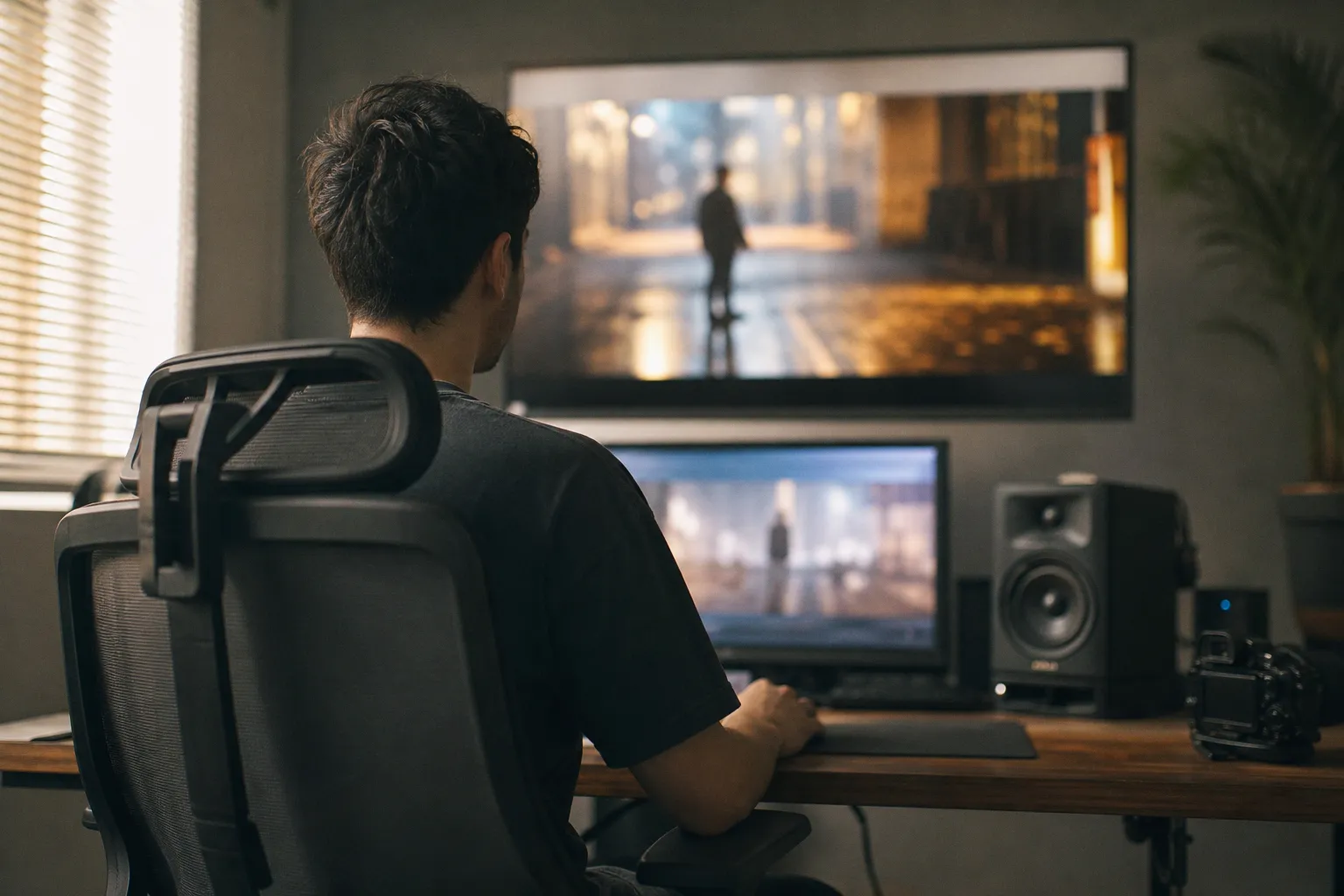
According to No Film School, the company has quietly dropped DaVinci Resolve 21.0.3, a maintenance release with a sharp focus on animation control. The update specifically introduces new ease modes for retime speed and frame curves, a tweak that directly targets the smoothness and predictability of your variable speed changes.
Taming the Retime Curve
For us in the edit bay, the war against awkward speed changes is perpetual. The new ease modes promise more natural accelerations and decelerations, which means less time spent fiddling with bezier handles to get a convincing whip-pan or a graceful slow-motion ramp. This isn’t just a cosmetic tweak; it’s about saving keystrokes and achieving professional results faster. When you’re trying to match a dramatic music cue or emulate a specific filmic motion, these new modes provide a more intuitive starting point. The goal is a smoother round-trip from your timeline to the final output.
Broader Fixes and Mobile Workflow Support
Beyond the animation tools, this Resolve update improves handling for interlaced media and enables DNG pre-tone curves by default—a solid, under-the-hood fix for anyone dealing with legacy footage or specific camera raw formats. On the mobile front, Newsshooter reports a parallel update for the Blackmagic Camera app on Android (version 3.4). This release isn’t just a minor patch; it expands on-set monitoring and control significantly with 4K HDMI video output with audio, WearOS companion app control, and REST API remote support. This effectively turns a spare Android phone or tablet into a more capable director’s monitor or a streamlined control point for multi-cam setups.
Your Post-Update Checklist
Before you dive into your next project with these tools, run through this quick check:
- In DaVinci Resolve: Open a recent project with speed changes. Test the new ease presets on a Retime Speed or Frame curve. Does your typical workflow feel tighter?
- Confirm Interlaced Playback: If you regularly handle interlaced footage, verify playback and export stability on a small test file.
- Android App Users: If you use the Android camera app, verify your HDMI output is now passing a clean 4K signal with audio to your monitor or switcher.
- Explore Remote Options: If you manage multiple cameras, investigate how the new WearOS controls or REST API might streamline your team’s process.
These updates reinforce that refining the pipeline—whether on a desktop timeline or a mobile cart—is where we reclaim time for the creative work that actually matters.