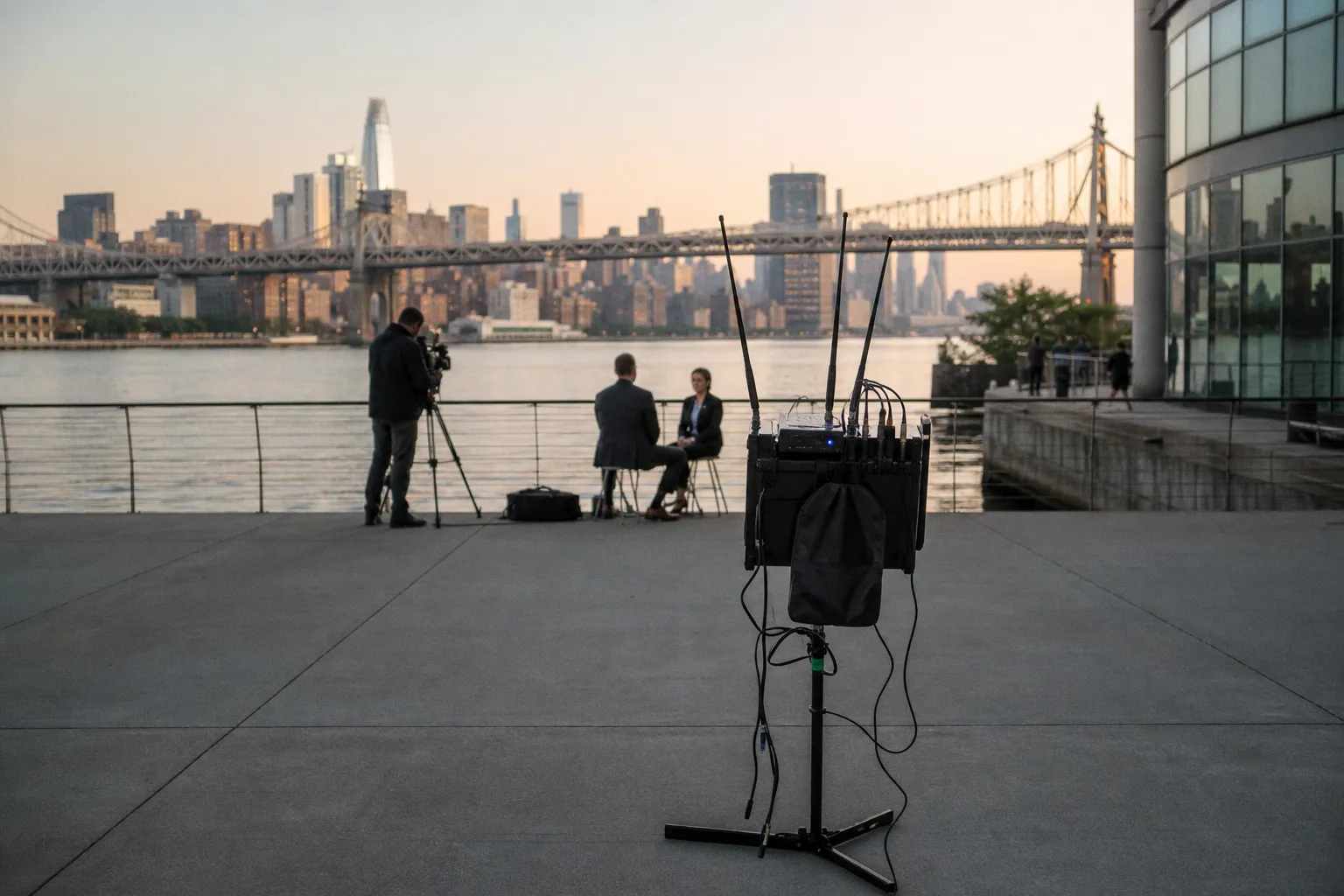
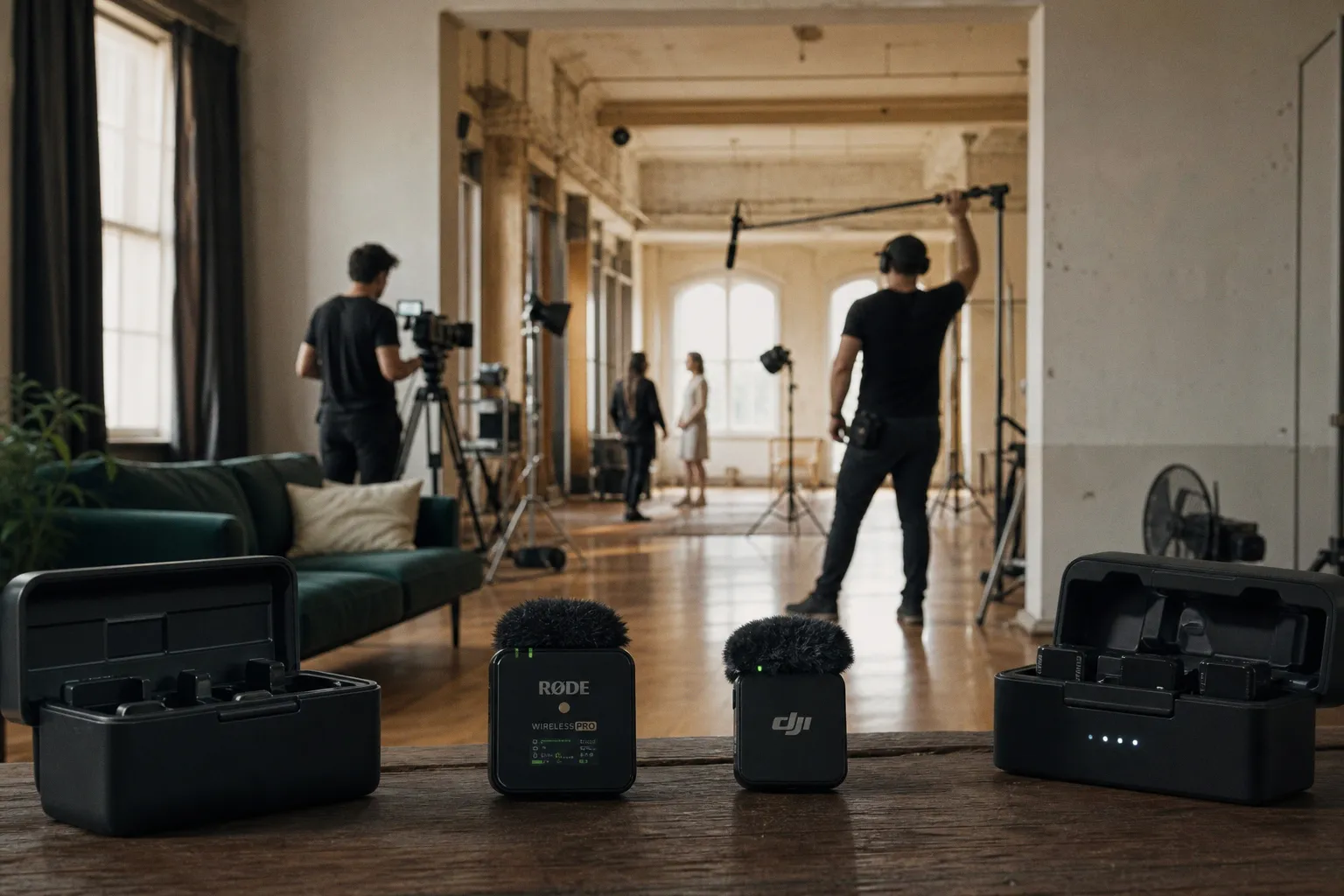
You're standing on set. Your Zoom F6 sits in the bag, lights blinking, timecode rolling. The talent screams a line, the boom op swings the shotgun, and you glance down to check levels. The waveform is a solid red bar pinned against the ceiling.
Portable Field Recorder Distortion: Why 32-Bit Float Still Clips
Your stomach drops. You paid extra for 32-bit float because the marketing told you clipping was a thing of the past. And yet here you are, holding a file that sounds like a fuzz pedal mated with a garbage disposal.
Here is the uncomfortable truth we need to sit with: 32-bit float is not a force field. It is a file format with extraordinary mathematical latitude, and that math runs inside a chain of physical components — capsule, cable, preamp, A/D converter, wireless transmitter — each of which can distort long before any number in a floating-point file gets ugly. When the front end overloads, no amount of headroom in the bit bucket saves the take.
Let's walk through where distortion actually lives in your portable field recorder, why the spec sheet can lie to you by omission, and how we keep our projects clean when the format alone won't save us.
The Math vs. The Physics: Debunking the 1,500 dB Myth
The number you'll see quoted in forum threads and YouTube shorts is breathtaking. Sound Devices has described the 32-bit float processing in their Astral Mini design as having "more than 1,500 dB of mathematical latitude." On paper, that's enough headroom to record a jet engine and a whisper on the same sample without thinking about gain. And it's true — at the level of the floating-point representation, the numbers can hold values that would correspond to absolutely absurd SPLs.
But that is not the same thing as your recorder hearing those sounds faithfully. Sound Devices pairs that 1,500 dB figure with a more sobering statement: the actual analog preamp and A/D stages of the same device are specified at roughly 130 dB of dynamic range. The math is generous. The physics is not. The file format is a container that can store an enormous range of values, but the analog circuitry that turns air pressure into voltage — and then into digits — is bounded by real transistors, real op-amps, real power rails.
32-bit float gives the file room to be rescued. It does not give the microphone capsule, the preamp, or the wireless transmitter permission to ignore overload.
So when we say a recorder "supports 32-bit float," we are talking about four interlocking requirements. Sound Devices lists them plainly: an ultra-wide-dynamic-range analog microphone preamp, multi-stage A/D conversion, 32-bit float internal processing, and a 32-bit float WAV file format. If any one of those four is the weak link — and on many portable recorders, the preamp or capsule absolutely is — the magic evaporates at the moment the analog stage saturates.
Read those four requirements in order. The first three are physical. They live in the analog domain, where signals are voltages on copper traces, and overload produces real harmonic distortion before a single sample is taken. The fourth requirement is the file itself. The float numbers only matter once the analog front end has produced clean samples to encode; they do not retroactively clean up whatever the preamp and capsule have already mangled. That ordering is the whole argument of this article, so keep it in mind.
Where Distortion Actually Happens: The Analog Front-End
Picture the signal path the way you'd sketch a node tree in DaVinci Resolve or Fairlight. Source — microphone. Stage one — preamp. Stage two — A/D. Stage three — float math. Stage four — file. Each stage has its own ceiling, and overload at any stage propagates forward as audible distortion. The float math at stages three and four cannot un-distort what stages one and two already mangled.
Zoom's F6 manual tells us the analog input circuits of that unit handle signals up to +24 dBu. That is a real, model-specific analog input limit. It is not an infinite level capability created by 32-bit float recording. Push a hot condenser or a screaming vocal through the F6's input past +24 dBu, and the analog stage clips. The recorder will dutifully encode those clipped samples into a 32-bit float file with perfect precision, but the distortion baked in by the front end comes along for the ride.
We see this in the wild all the time. A field recordist slams a level into a recorder, watches the meter stay reassuringly below 0 dBFS thanks to float processing, and ends up with a take that sounds compressed, gritty, or phasey. The file format didn't fail them. The analog stage did, and the format hid the failure because there was no clipping indicator at the preamp to warn them.
| Signal chain stage | What can distort here | Symptom in the file |
|---|---|---|
| Microphone capsule | Excessive SPL, wind, mechanical shock | Hard, crunchy overload; sometimes no recovery |
| Wireless transmitter | Transmitter input gain too high | Distortion that looks fine on the recorder meter |
| Analog preamp | Input exceeds hardware limit (+24 dBu on F6) | Saturation, harmonic distortion |
| A/D converter stage | Out-of-range voltage hits the converter | Quantization-edge artifacts, hard clipping |
| 32-bit float processing | Generally not a source of distortion | N/A — this stage preserves what it receives |
| Output / monitoring stage | Headphone amp or line output over-driven | Distortion at the headphones, not the file |
Notice where the float math lives on that chart. It sits between the converter and the file, which means it has no authority over what came before. The table isn't a theory. It's the workflow reality we troubleshoot every week when a "clean" recording comes back sounding cooked.
One practical implication worth saying out loud: many dual-A/D designs like the F6's pair a high-gain converter with a low-gain converter so that peaks which pin one stage are still read cleanly by the other, and the float file then carries the reconstructed value. That reconstruction recovers peaks that would have clipped a single A/D converter. It does not, and cannot, recover analog preamp distortion, because both converters see the same distorted voltage and faithfully digitize the same damage. The float brilliance covers a specific failure mode. It is not a universal eraser.
Microphone Overload: When the Capsule Reaches Its Limit
Before we even get to the recorder, the microphone itself can be the bottleneck. DPA defines maximum SPL as an overload specification, and their documentation is unusually clear about what those numbers mean. SPL figures quoted at 0.5% or 1% THD are useful because audible distortion starts somewhere around that range. The big, attention-grabbing maximum peak-SPL figure, on the other hand, is typically defined at 10% THD — and that headline number includes both the capsule and the preamp.
Translate that into practical terms: the printed max SPL on a shotgun microphone spec sheet is not the level at which the mic reproduces sound cleanly. It is the level at which the capsule-plus-preamp combination has reached 10% total harmonic distortion. By the time you hit that figure, the recording is already musically destroyed. The 1% THD threshold — often a much lower SPL — is closer to where audibility of distortion begins.
Wind is the silent killer here. Zoom's M4 manual explicitly includes "MIC INPUT OVERLOAD!" warnings despite the recorder's dual-A/D 32-bit float design, and the prescribed remedies are disarmingly analog: increase the microphone-to-source distance, and use a windscreen when direct wind is entering the microphone. No file format fixes wind rumble at the capsule. A blimp or a furry windscreen does.
This is the moment in the troubleshooting chain where we stop reaching for the bit depth and start reaching for the boom pole length and the wind protection kit. Float files don't un-distort a capsule that has been mechanically overloaded, and they don't subtract wind from the diaphragm's excursion. If your lav is clipping because the talent is wearing it under a leather jacket and the breath pops are hammering the capsule, the fix lives upstream of the recorder, not in the bit depth.
Lavs have their own version of this trap. The capsule is small, the diaphragm travel is short, and the talent is wearing it against skin and clothing. Cable rustle, jewelry clinks, and breath pops at close proximity are all sub-100 Hz mechanical events that the lav cheerfully turns into electrical signal. A floating-point file can hold the resulting excursion data, but it cannot subtract the rustle from the diaphragm before it became a signal. Lav placement, mounting clips that isolate the capsule from fabric, and a windshield matched to the capsule pattern are the cure. The bit depth is not.
Wireless Chains and Input Gain: The Hidden Weak Links
Here's the scenario that costs us the most sleep on set. The audio arrives at the field recorder as a clean, full-bandwidth wireless signal from a lavalier or a plug-on transmitter. The waveform on the recorder looks reasonable. The file plays back distorted. Where did the damage happen?
Almost always, at the transmitter input. Shure's documentation is direct about this: excessively high transmitter input gain can cause distortion, while excessively low gain can produce poor signal-to-noise performance. The transmitter's own preamp and A/D — or its analog input stage feeding the recorder downstream — has its own ceiling, and the field recorder never sees the overload as a clipping event because the wireless hop has already absorbed it.
This is the round-tripping problem of audio gain staging. The signal makes a one-way trip from capsule to transmitter to receiver to recorder, and each stage has its own gain trim. If we set the transmitter gain by ear on set, or worse, set it once and forget it for the whole production, we're trusting the weakest link in the chain to behave consistently. A loud laugh, a cough, a door slam — these transients ride the same wireless path as the quiet dialogue, and they push the transmitter's input into distortion even when the recorder's float processing would have absorbed the level with grace.
The fix is unglamorous and entirely within your control. Pad the transmitter input. Walk the talent through their loudest and softest lines before you roll. Confirm the receiver output is sitting in a sensible range on the recorder's input meter, not just "somewhere in the middle." Float math protects the file, but it cannot reach back through a wireless hop to repair what the transmitter's preamp already clipped.
If the transmitter input clips, no recorder on earth — float or fixed-point — will hand you a clean file. Stage the gain at the source.
Worth adding: companded wireless systems can disguise the same problem under a different sound. Instead of the hard edge of an A/D clip, you get the swirly, broken-stereo breakup of a saturated compander, which is easy to mistake for RF interference. Same cause, different fingerprint. The triage for it is the same as for any analog-stage fault — pull the gain down on the take, and if the distortion persists, the damage happened upstream of your recorder.
Post-Production Reality: Why Your DAW Still Shows Red
Now we move to the conform stage, where the file lands in Pro Tools, Reaper, Fairlight, or whatever DAW you call home. This is where the marketing promise meets the workflow reality, and where we have to be brutally honest with junior editors about what the meters are telling them.
A 32-bit float file can appear clipped at a recorder output or in a DAW and still be recoverable, provided the samples in the 32-bit float file itself were not clipped. Zoom documents this behavior explicitly for the H4essential and F6: reduce the gain on the clip in the DAW, and the waveform un-reddens because the underlying values were never pinned to the rails. That recoverability is real, and it is one of the genuine workflow wins of float recording. But it is contingent on one condition that is easy to miss in a fast-turnaround conform: the distorted values must not have originated in the analog front end. Float can recover unclipped samples that survived the full chain; it cannot un-distort samples that were already damaged in the analog domain before the converter ever saw