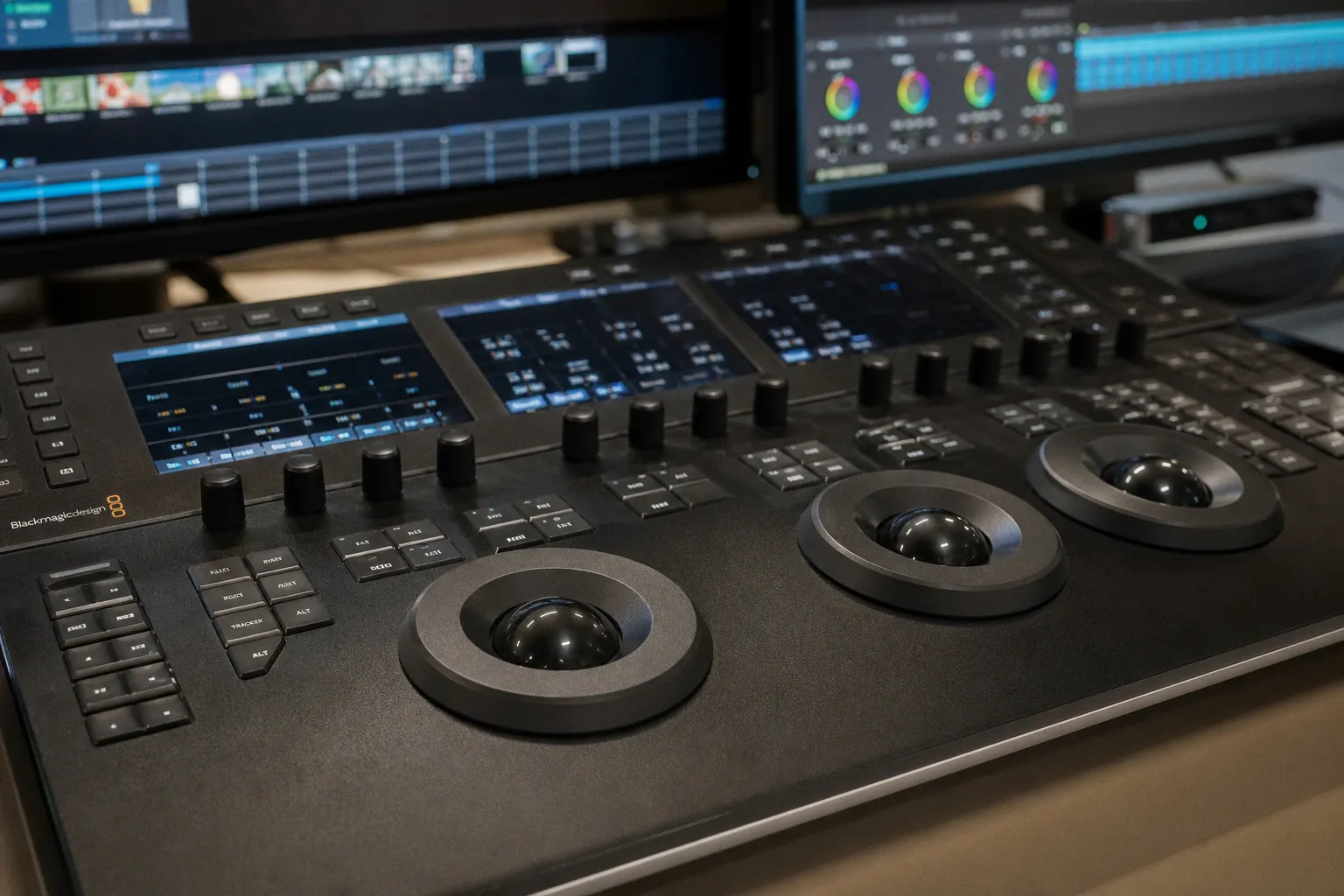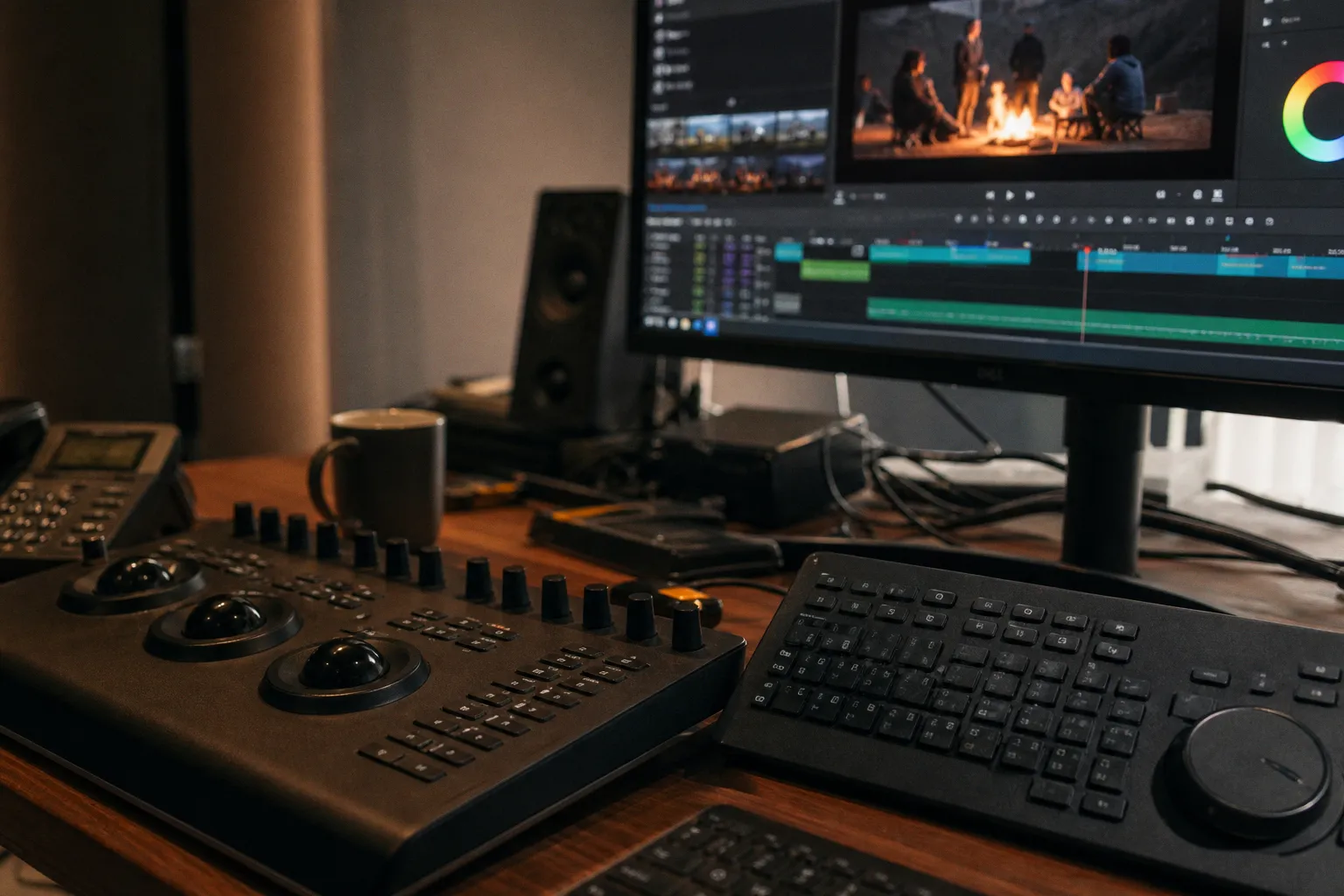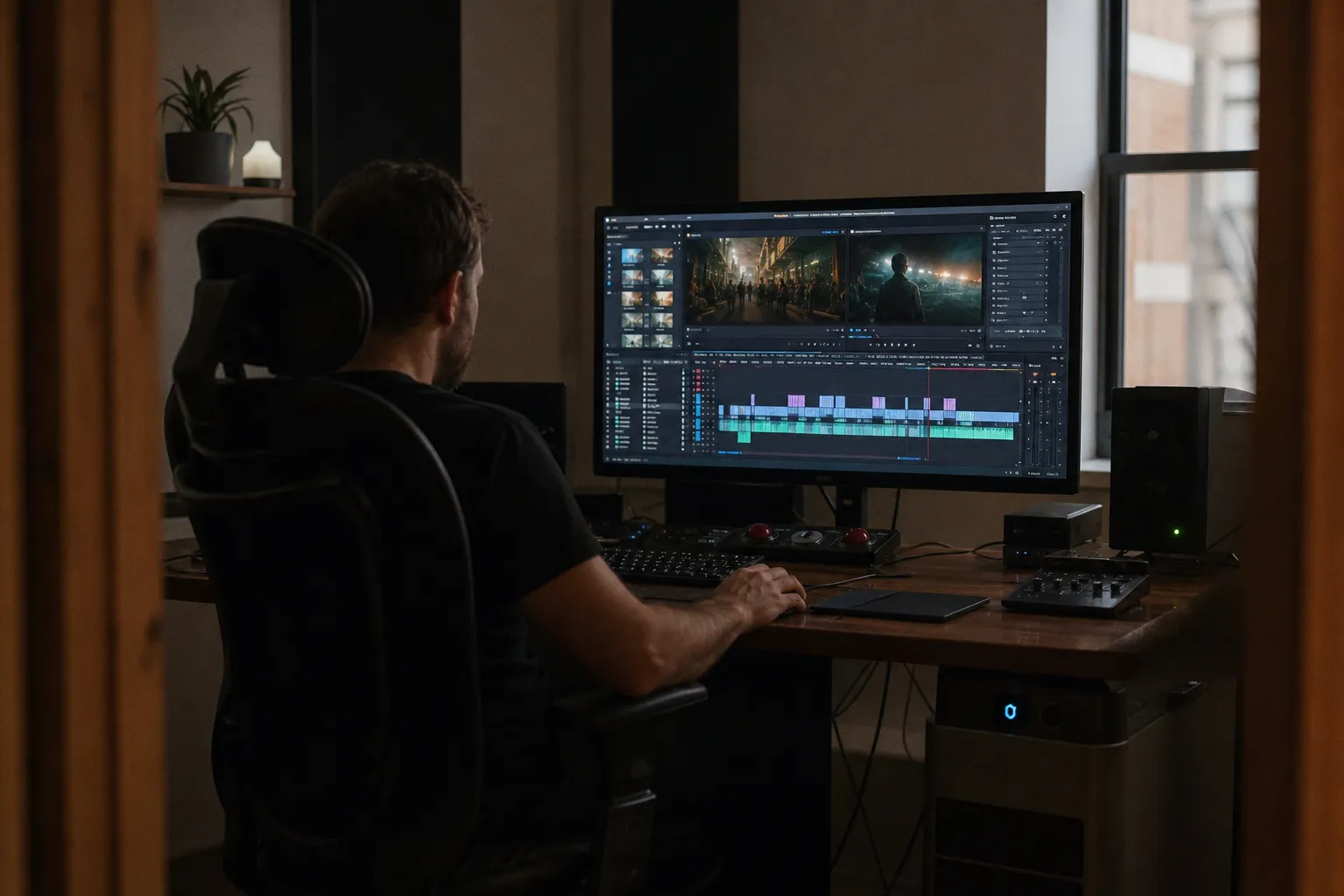
DaVinci Resolve 19 on Linux is not a casual install. It is a controlled environment.
That is the real state of Linux video editing software in a feature-length workflow. Not broken. Not frictionless. Viable, with tolerances. The edit will hold if the workstation is built like a grading node, not like a general-purpose desktop with a timeline attached.
The reality of Hollywood-grade NLEs on Linux
There is one major Hollywood-grade NLE with official native Linux support: DaVinci Resolve. That matters. Not because “official” is a magic word, but because feature work punishes unsupported edge cases.
A 94-minute timeline is not a YouTube export. It exposes every weak joint:
- GPU memory allocation under temporal noise reduction.
- Codec decode paths during multicam sections.
- Audio drift after long playback.
- OFX plug-in gaps.
- Permission faults on shared media volumes.
- Cache folders filling faster than the UI admits.
Resolve on Linux can take that load. But it behaves like a finishing system, not a consumer editor. The free version is useful. Resolve Studio is the practical choice for serious work, especially when H.264 and H.265 hardware decoding becomes part of the equation. On Linux, that acceleration depends on specific NVIDIA GPU configurations. Assume nothing. Test the actual card, driver branch, codec, bit depth, and chroma subsampling before declaring the system ready.
The first mistake is treating “Linux support” as one uniform condition. It is not.
| Layer | Stable choice | Failure mode when ignored |
|---|---|---|
| NLE | DaVinci Resolve on a supported or proven distribution | Install launches, then fails under GPU load or media decode |
| GPU | NVIDIA card with proprietary driver and CUDA | Poor playback, missing acceleration, render instability |
| Storage | EXT4 or XFS media volume | Permissions friction, weak sustained throughput, bad cache behavior |
| RAM | 32GB or more for 4K timelines | Swap events, slow conform, unstable Fusion comps |
| Audio | PipeWire or PulseAudio configured deliberately | Latency, monitoring mismatch, sync suspicion |
Kdenlive, Shotcut, and Blender also run natively. They are not toys. But Resolve occupies a different class for conform, color, audio post, and final delivery. For a professional Linux video editor, the real question is not “Can Linux edit video?” It can. The question is whether the selected toolchain can survive finishing pressure.
Linux is ready for feature editing only when the workstation is treated as part of the pipeline, not as furniture under the desk.
Kdenlive vs DaVinci Resolve on Linux: the useful split
The argument around Kdenlive vs DaVinci Resolve Linux workflows usually collapses into ideology. That wastes time. The tools have different load ratings.
Kdenlive is the most useful open-source video editor for Linux when the work is editorial-first and the pipeline accepts FFmpeg-driven flexibility. It is based on the MLT Framework. It supports multi-track editing. It reads a broad range of formats through FFmpeg. It is fast to deploy on common distributions. It is also easier to run on modest hardware than Resolve.
Resolve is the better finishing platform. Color management, grading controls, scopes, Fairlight audio, Fusion integration, conform tools, and delivery management are more coherent. It is the more complete answer when the project has a proper post chain.
The split is not philosophical. It is operational.
| Task | Kdenlive | DaVinci Resolve |
|---|---|---|
| Fast assembly edit | Strong | Strong, but heavier |
| Offline editorial on mixed codecs | Flexible through FFmpeg | Strong if codecs are supported cleanly |
| Color grading | Basic to moderate | Professional-grade |
| Audio post | Functional | Stronger with Fairlight |
| VFX integration | Limited | Fusion integrated |
| Hardware demands | Lower | Higher, GPU-sensitive |
| Best fit | Open-source editorial workstation | Finishing, grading, delivery, feature pipeline |
For a first feature, Kdenlive can cut the film. Resolve can cut and finish it with fewer round-trip penalties. That distinction becomes visible after the locked cut is no longer locked and the director asks for six trims, a temp VFX shot, a dialogue cleanup pass, and a new DCP-adjacent master before morning.
An open-source video editor is valuable when it shortens friction. Kdenlive does that. It is useful for rough cuts, proxy workflows, interviews, documentaries with simple graphics, and machines that cannot feed Resolve enough GPU. It is not the same as saying it replaces Resolve in every professional lane.
Blender is a different case. Its built-in video sequence editor exists, but the higher value is in Linux-native 3D and VFX work. Modeling, animation, camera tracking, compositing, and rendering can stay on the same OS. For titles, screen inserts, simple CG elements, and VFX plates, Blender is not an accessory. It is part of the Linux post stack.
GPU drivers decide more than the NLE does
Linux editing problems are often blamed on the editor. In the lab, many are driver problems wearing an editor’s shirt.
Resolve performance depends heavily on CUDA. That makes NVIDIA proprietary drivers the default recommendation for professional work. Open drivers may be improving, but feature-length editing is not a place to reward potential. The metric is not peak FPS during a 30-second test. The metric is repeatable stability after six hours of timeline work, cache writes, scopes, OFX, and exports.
The configuration that held best had these characteristics:
1. A clean proprietary NVIDIA driver install. No mixed driver remnants. No experimental branches unless a specific bug required them. Resolve should see the GPU cleanly every launch.
2. A GPU with enough VRAM for the timeline and effects load. 4K grading with noise reduction, film grain, spatial effects, Fusion titles, and high-resolution stills can exhaust weak cards fast. When VRAM pressure hits, playback can fall apart without a polite warning.
3. CUDA verified inside the application, not just at the OS level. System detection is not workflow validation. Resolve must use the GPU under real media conditions.
4. Thermals measured under render, not idle. A card that looks stable on the desktop can drop clocks during long encodes. That changes render time and can expose borderline power delivery.
5. No assumption that Windows plug-ins transfer. Many OFX and audio tools are platform-specific. Linux binaries must exist. Wrappers are not a finishing strategy.
The same skepticism applies to AI-assisted post tools and agentic automation. Production adoption is moving fast across the wider software market, and the broader pressure is visible in reporting on AI agents entering production environments. But a Linux edit suite still has one hard rule: if the binary, driver, and codec path do not validate on the workstation, the feature does not care how modern the pitch deck sounds.
Manufacturers quote acceleration. Editors need yields. A five-minute export test is not enough. The better test is a reel-length export with the same grade, titles, audio routing, and delivery codec expected at the end. Watch GPU utilization. Watch VRAM. Watch system RAM. Watch cache writes. Then repeat it.
Codec support is where optimism gets expensive
The phrase “supports many formats” is too soft for professional post. A feature timeline is a codec audit.
Linux can handle a wide media range through FFmpeg-based tools. Kdenlive and Shotcut benefit from that. Resolve is more specific. It is powerful when the supported codec path is clean, and irritating when it is not. H.264 and H.265 can be especially sensitive because acquisition files vary wildly: 8-bit, 10-bit, 4:2:0, 4:2:2, long-GOP, variable frame rate, phone metadata, camera quirks.
The working procedure was simple: normalize before the timeline becomes large.
- Camera originals were copied to Linux-native storage.
- Checksums were generated before editorial started.
- Highly compressed acquisition media was tested in full reels, not single clips.
- Problem footage was transcoded before the edit locked into it.
- Proxies were generated for long-GOP material when playback did not hold at full resolution.
- Cache and optimized media locations were kept off the system disk.
This is not elegant. It is cheaper than troubleshooting a broken timeline at 2 a.m.
Ubuntu video editing adds another variable. Resolve is not officially certified for every popular desktop distribution, even though many users run it outside the certified lane. Ubuntu-based setups can work. They can also require package fixes, library adjustments, and driver care. That is acceptable for a personal system. It is less acceptable when the machine is booked.
Rocky Linux and CentOS-style environments remain closer to the official expectation. The tradeoff is convenience. Desktop niceties may lag behind the distribution most editors would choose for everyday use. In exchange, the platform behaves more like an appliance.
The best Linux editing workstation is boring. Boring drivers. Boring file systems. Boring codecs. Boring is how the timeline survives.
Storage: EXT4 and XFS beat removable-drive habits
The storage layer is where many Linux video editing software tests lie by omission. They install the NLE, drag a few clips from an exFAT shuttle drive, and call the platform usable. That is not a feature workflow.
NTFS and exFAT are convenient for interchange. They are not ideal as primary high-speed working volumes on Linux. Permission behavior can be awkward. Sustained performance can be weaker. Metadata and cache-heavy workloads are less predictable. EXT4 and XFS are the better default choices for media and cache volumes.
For the first feature, the storage layout mattered more than expected:
| Volume | File system | Use | Reason |
|---|---|---|---|
| System SSD | EXT4 | OS and applications | Clean separation from media load |
| Media SSD / RAID | XFS or EXT4 | Camera originals, proxies, project media | Better Linux-native behavior |
| Cache SSD | EXT4 or XFS | Resolve cache, optimized media, render cache | Reduces contention |
| Shuttle drives | exFAT only when required | Transfer, not active edit | Cross-platform convenience |
Sustained throughput matters more than advertised burst speed. A consumer external SSD can benchmark well for a moment and then collapse after thermal throttling. That shows up as dropped frames, slow cache generation, and bad playback under stacked corrections.
A feature also creates many small files: waveform caches, gallery stills, render cache fragments, audio analysis files, project backups. File-system behavior becomes visible. Keep the database and project backups on reliable storage. Do not let a removable drive become the only place the project state exists.
Permissions deserve the same attention. Shared media folders must be mounted with predictable ownership and access. If the NLE cannot write cache files, stills, or exports without intervention, the workstation is not configured. It is merely assembled.
Audio sync: the quiet failure
Video editors notice dropped frames. They often notice audio problems later, when trust has already eroded.
Linux audio has improved. PipeWire is now a serious default on many systems. PulseAudio remains common. JACK still appears in specialized audio contexts. The problem is not that Linux cannot do low-latency monitoring. The problem is that the routing stack must be understood.
Feature editing exposes audio faults because sessions are long. Dialogue timing, guide tracks, production WAVs, temp music, and reference exports all need stable monitoring. A 40 ms annoyance in a short clip becomes a confidence problem across a reel.
The audio configuration that matters:
- Sample rate alignment between system, interface, and project.
- Buffer size set for monitoring stability, not theoretical minimum latency.
- Audio interface recognized consistently after reboot.
- No automatic device switching during an edit session.
- Bluetooth avoided for serious sync judgment.
- Reference exports checked on a separate playback path.
PipeWire can handle professional desktop routing well when configured. PulseAudio can also work for simpler setups. Resolve’s Fairlight page is capable, but Linux system audio behavior outside the application still needs attention. A mismatch at the OS layer can look like an editorial sync issue. That wastes hours.
For dialogue editorial, use wired monitoring. Use a known interface. Check a 2-pop or sync reference at reel heads. Do not diagnose lip sync through a desktop speaker chain that has unknown latency.
Open-source tools fill the gaps, not the marketing slide
The best video editor for Linux depends on the gap being filled.
Resolve handles the main post spine. Kdenlive handles lightweight editorial and fallback work. Blender handles 3D and VFX. FFmpeg handles transcodes, inspections, and repairs. Audacity or a dedicated DAW can handle quick waveform surgery, though full audio post may move elsewhere depending on the production.
That mix is not a weakness. It is the normal state of Linux post: modular, sharp, sometimes manual.
A practical Linux feature stack looked like this:
1. DaVinci Resolve Studio for the main edit, grade, audio pass, and delivery. One project database. Regular backups. No experiments mid-reel.
2. Kdenlive for quick assemblies and format checks. Especially useful when FFmpeg support opened files Resolve did not like cleanly.
3. Blender for VFX plates, 3D elements, and motion graphics that did not justify a separate commercial pipeline. Linux-native operation kept renders close to editorial.
4. FFmpeg for verification and transcode control. Not glamorous. Essential. It gives visibility into codecs, frame rates, audio channels, and metadata.
5. Linux-native file management with checksum discipline. Copying footage is not ingest. Verified copies are ingest.
The limit is plug-in availability. Do not build a feature around a Windows-only VST, OFX package, or encoder and then assume Linux will adapt. Some commercial tools provide Linux binaries. Many do not. The workflow must be audited before the first assembly cut.
This is where Linux differs from macOS and Windows in feel. Those systems often hide friction until they charge for it. Linux exposes friction early. That is irritating. It is also useful. If a driver, permission, or codec path is wrong, the machine usually tells you before the final week.
Managing a feature-length project without pretending it is a benchmark
Benchmarks are clean. Features are dirty.
A synthetic test uses one clip, one effect, one output. A feature timeline has mixed cameras, bad slates, temp VFX, corrupt audio names, duplicated card structures, stills larger than the delivery raster, and last-minute lower thirds. That is why the first feature edit on Linux needed rules.
The rules were not complicated:
- No OS updates during active finishing unless a fix was required.
- No GPU driver update after picture lock unless the current driver failed.
- Project backups after every major session.
- Media and cache separated from the OS disk.
- Exports tested reel by reel before final full-length delivery.
- Any new plug-in tested in a duplicate project first.
- Long-GOP camera media transcoded or proxied when playback dropped below tolerance.
- Resolve database backed up outside the workstation.
- Storage free space kept conservative; cache drives were not allowed to run near full.
- Final deliverables checked on another machine.
The RAM floor is also real. 16GB can work for smaller projects and HD timelines. For 4K feature work, 32GB is the practical baseline. More is justified when Fusion, large stills, noise reduction, and multiple applications stay open. Swap activity during editing is a defect, not a quirk.
CPU matters, but GPU and storage decide much of the perceived performance in Resolve. For Kdenlive, CPU and FFmpeg behavior can be more visible depending on codecs and effects. Blender shifts the load again, especially during rendering. The workstation should be sized for the heaviest stage, not the easiest one.
The most useful measurement was not render speed. It was interruption count. How many times did the system break concentration in a day? Driver fault. Audio device switch. Permission prompt. Dropped frames. Cache failure. Plug-in crash. That number determines whether Linux is production-ready on a specific desk.
The verdict on Linux video editing software
Linux can edit a feature. It can finish one too, if the pipeline is constrained, tested, and kept boring.
DaVinci Resolve is the central answer for a professional Linux video editor. Kdenlive is the strongest open-source editorial option. Blender is the native VFX and 3D anchor. FFmpeg is the diagnostic tool that keeps everyone honest. NVIDIA proprietary drivers remain the safer choice for Resolve performance because CUDA support is not optional in serious work.
The negative verdict is just as clear. Linux is not plug-and-play for post-production. It is not the right platform if the project depends on Adobe Creative Cloud, Windows-only plug-ins, or a crew that cannot tolerate driver and file-system work. Ubuntu video editing can work, but it is not the same as a certified Resolve appliance. Codec support must be tested, not assumed.
Binary conclusion: use Linux for feature editing if you control the hardware, drivers, storage, codecs, and plug-in list before the cut begins. Do not use it if the workstation is expected to behave like a sealed consumer box. The timeline will expose that lie within the first reel.